

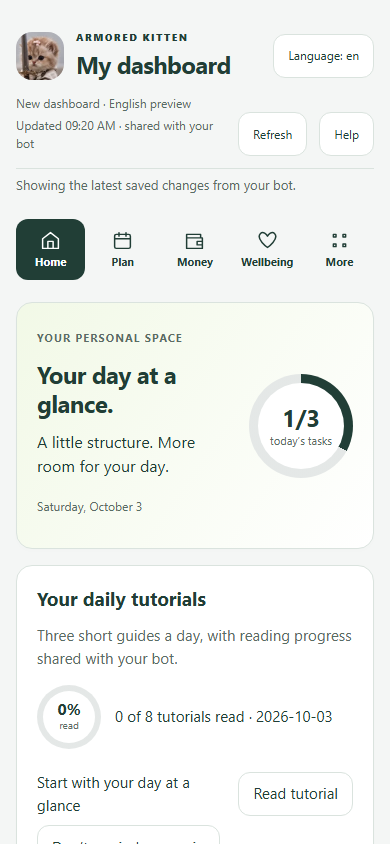
 Sample tutorial screen
Home & Day at a Glance
Brings today’s task ring, next steps, 7-day calendar/workout dots and daily tutorials into one screen.
 Armored KittenSmall knight. Big feelings.
Armored Kitten affiliates · Part 3 of 6 · Printable deck
Eleven visual slides—complete with diagrams, sample screens and 15-second speaker talk tracks—you can walk through on a call, link to in your posts, or save as a PDF (File → Print → Save as PDF).
Covers Free-forever tools, Plus (770 ⭐ / 30 days), ✨ Manifest, Chat + Mini App sync and 50% (385 ⭐) affiliate terms in their first month.
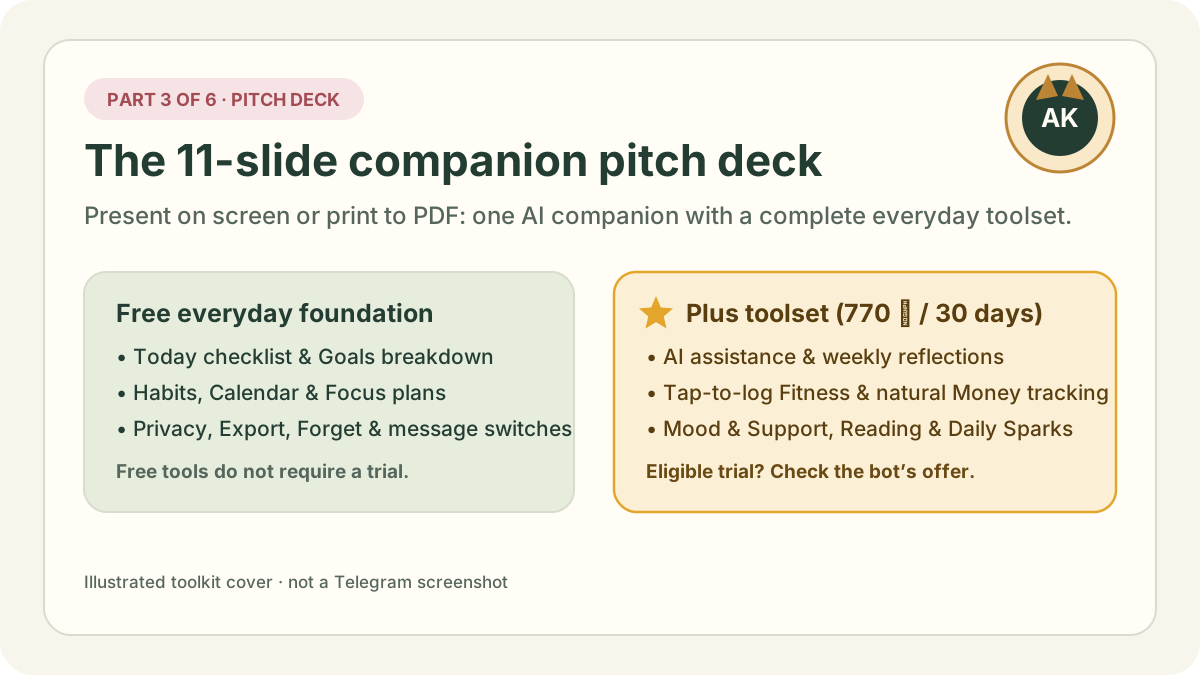
Memory hook: Armored Kitten is one private Telegram companion + visual Mini App that pairs a free-forever daily planning foundation with Plus tools (AI, Fitness, Money, Mood, Reading, Sparks) for 770 ⭐ / 30 days.
2-minute practice: Read through the 11 slides once, using the “15-second talk track” at the bottom of each slide to practice presenting Slide 4 (Free vs Plus) and Slide 7 (Chat + Mini App sync).
Most people don’t fail at their goals because they don’t care—they get worn down by friction:
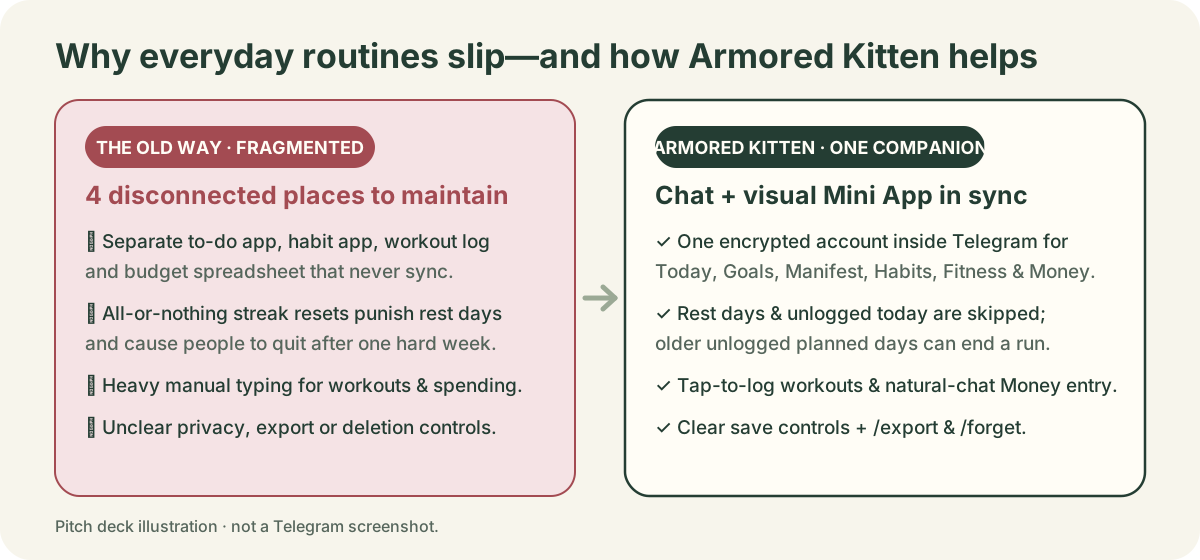
Instead of asking your friend to learn a complicated workspace, Armored Kitten meets them inside a private Telegram chat paired with a clean visual Mini App dashboard (see the Home screen tutorial):
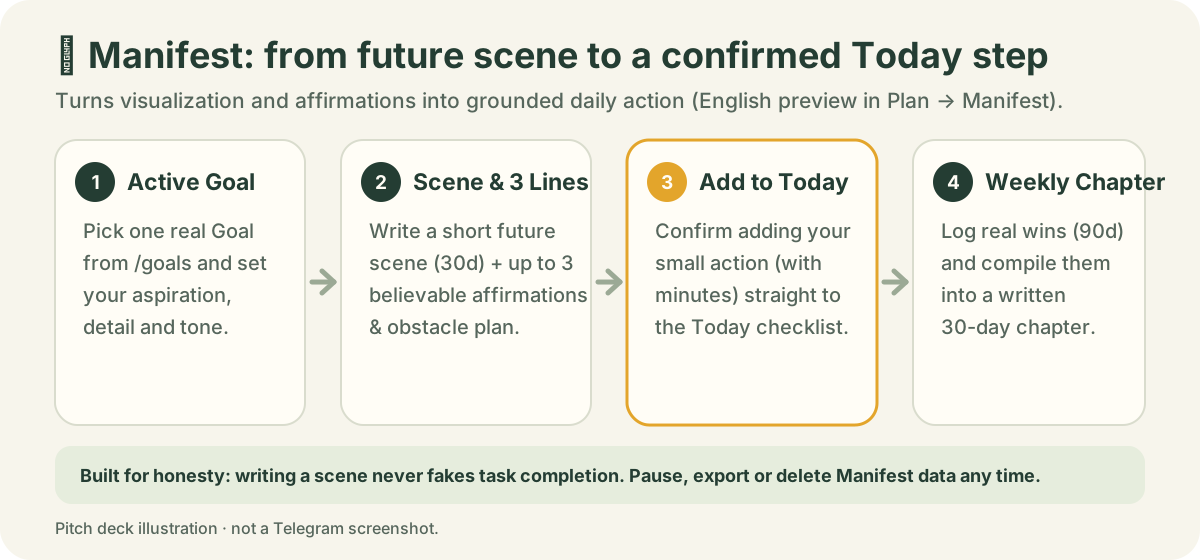
/today): daily tasks, pinned live chat card, focus timer & draft recovery./goals): break big goals into doable steps and copy steps to Today./habit): planned weekdays, 7-day strip, a current run with up to 60 days of lookback & private notes. Rest days and unlogged today are skipped; an older unlogged planned day can end the run. Unknown remains unknown./calendar): month view, agenda, recurring reminders & single-date move/skip./focus): bounded 7-day or 30-day intentions you can pause or edit./review): temporary 4-question reflection that turns into a Goal step./export, /forget, /stop & Greeting Studio cards./week reflections: thoughtful breakdowns, conversational help, photo understanding (guide) and weekly summaries.Many people love visualization or affirmations but get stuck because daydreaming never connects to their calendar. Plan → Manifest (/manifest or ✨ Manifest, currently in English preview) bridges that gap:
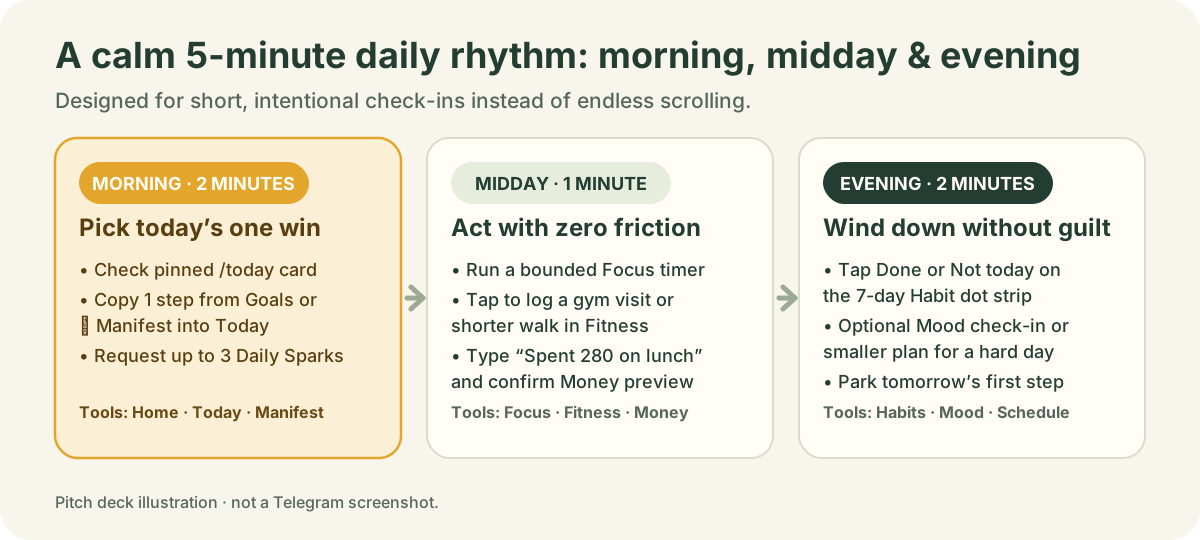
| Time of day | What happens in 60 seconds | Tools used |
|---|---|---|
| Morning (2 min) | Check the pinned /today card in Telegram, pick one priority task from Goals or Manifest, and request up to 3 Daily Sparks ideas. | Home, Today, Manifest, Sparks |
| Midday (1 min) | Run a short focus session, type “Spent 280 on lunch” in chat (and confirm the Money preview), or tap sets done during a gym visit. | Focus, Money, Fitness |
| Evening (2 min) | Tap Done or Not today on the 7-day Habit strip, log a private Mood check-in or hard-day adjustment, and park tomorrow’s first step. | Habits, Mood, Schedule |
Some moments call for a quick 3-word message in chat; others call for a visual month calendar or budget chart. Armored Kitten gives you both on the same account:
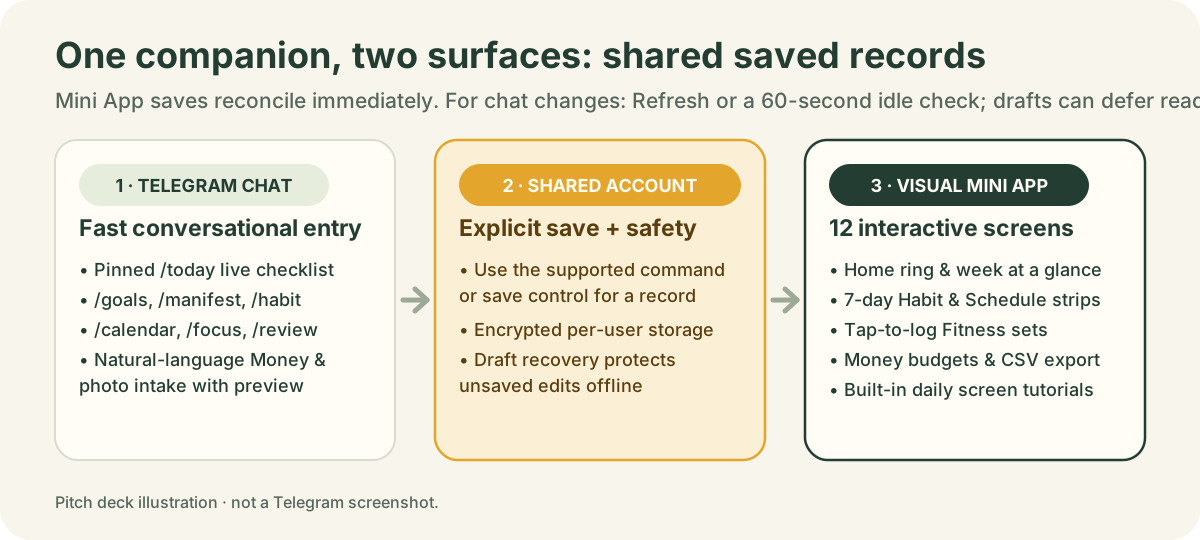
/calendar for a fresh chat card after a dashboard edit.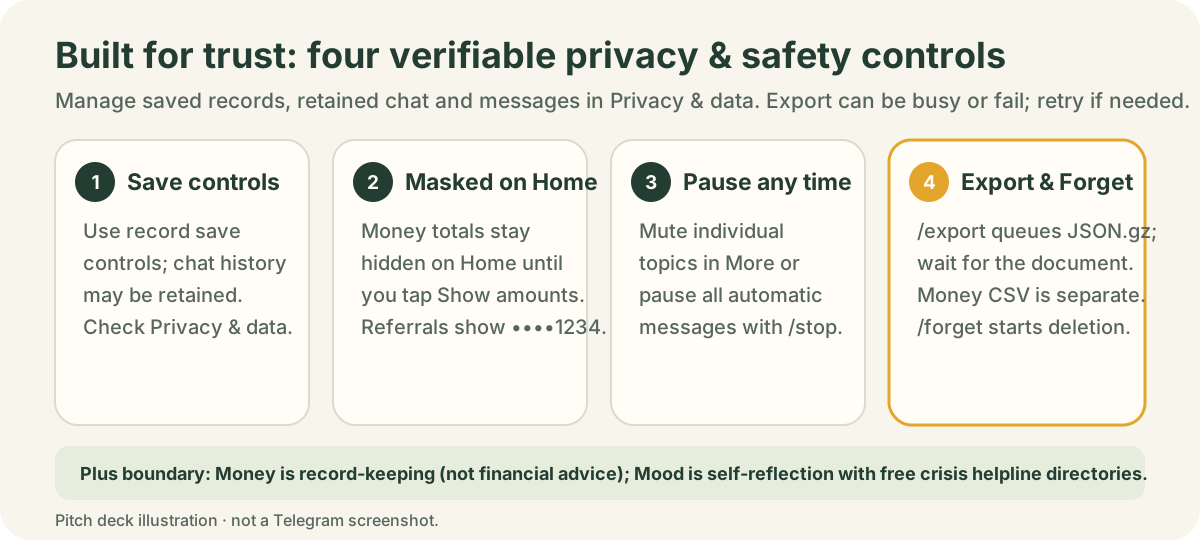
/export queues a compressed JSON .json.gz document (export guide). Wait for the actual document: a queued acknowledgement is not delivery, and a busy or failed export may need a retry. Money CSV is a separate export. Pause outreach with /stop (stop guide) or request account deletion with /forget (forget guide).Holders of $ARMORED can also verify wallet ownership (wallet-linking guide), though no crypto wallet is ever needed for free tools, Plus with Stars, or the affiliate program.
Practice & self-test
Practice answering these three pitch questions before showing the deck to a friend or audience.
What to say or do: “Today, Goals, Habits, Calendar, Focus, Greeting Studio and your privacy controls are free forever, and eligible adults can check the bot for a trial when offered. Available Plus features include AI assistance, tap-to-log Fitness, natural-chat Money tracking, Mood & Support, Reading and Daily Sparks for 770 ⭐ every 30 days.”
Why this works: Gives a clear, honest mental map of both tiers without hiding anything.
What to say or do: “A regular chatbot just talks—if it suggests a task or budget, nothing is actually tracked. Armored Kitten pairs conversation with structured, user-confirmed cards and a live Mini App dashboard where your tasks, goals, Manifest scenes, habits, calendar, workouts and expenses stay organised under your control.”
Why this works: Highlights the paired Chat + Mini App architecture and confirmation safeguard.
What to say or do: “Press Print (Ctrl+P / Cmd+P) and choose Save as PDF. Each of the 11 slides is styled to print cleanly without the sidebars, or you can link straight to any slide such as /affiliates/pitch-deck#slide-4.”
Why this works: Makes the deck practical for both live screen-sharing and PDF handoffs.
Learn every tool · Read next
Every companion feature already has a step-by-step visual dashboard tutorial (using disposable sample records) and a written guide. Study them or send a specific tutorial link when onboarding a friend.
Sample tutorial screenBrings today’s task ring, next steps, 7-day calendar/workout dots and daily tutorials into one screen.
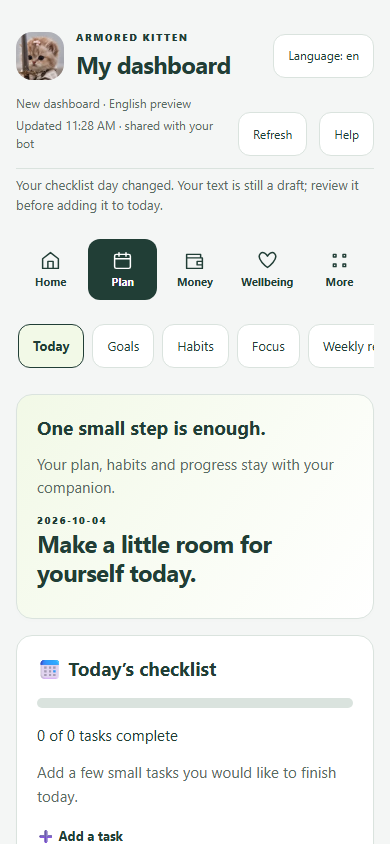 Sample tutorial screen
Shared daily task list between chat and Mini App. Tick in either place; pinned chat cards stay in sync.
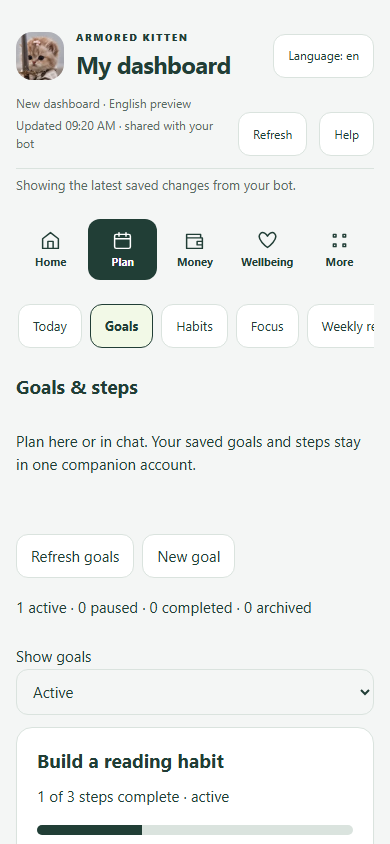 Sample tutorial screen
Break a big goal into small, doable steps and copy any open step straight into Today.
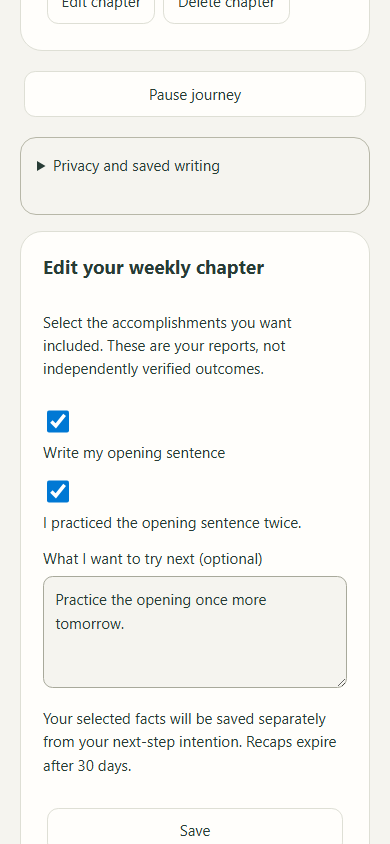 Sample tutorial screen
Write a short imagined scene and up to 3 believable affirmations linked to a goal, choose today’s small action, and build a 30-day weekly chapter from your recorded accomplishments.
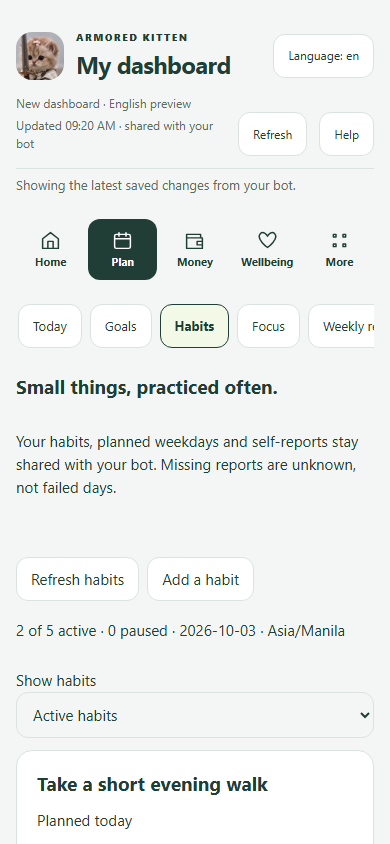 Sample tutorial screen
Choose planned weekdays and log Done or Not today. Rest days and unlogged today are skipped; an older unlogged planned day can end the run. Unknown is not proof of a missed action; the run looks back up to 60 days.
 Sample tutorial screen
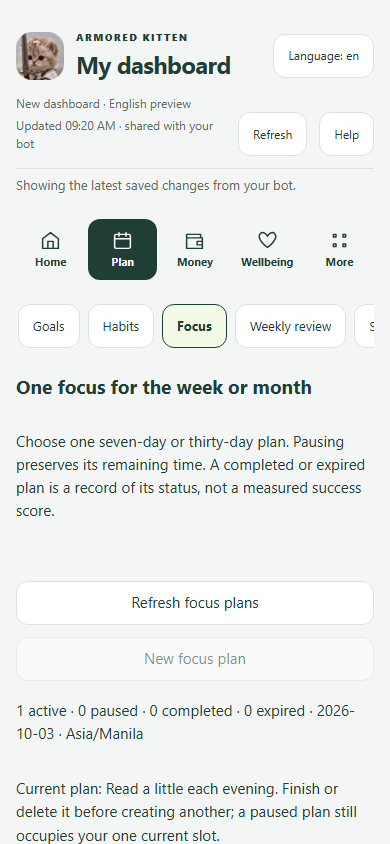
Set one bounded 7-day or 30-day intention you can pause, resume, edit or complete without pressure.
 Sample tutorial screen
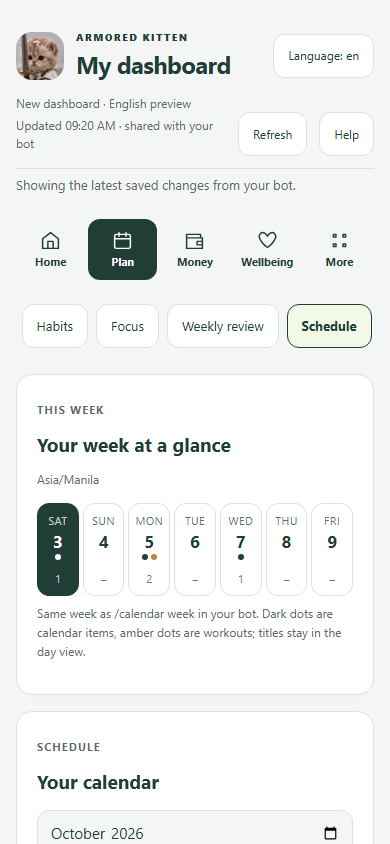
Month calendar and day agenda with one-time or recurring reminders, plus move/skip for a single date.
 Sample tutorial screen
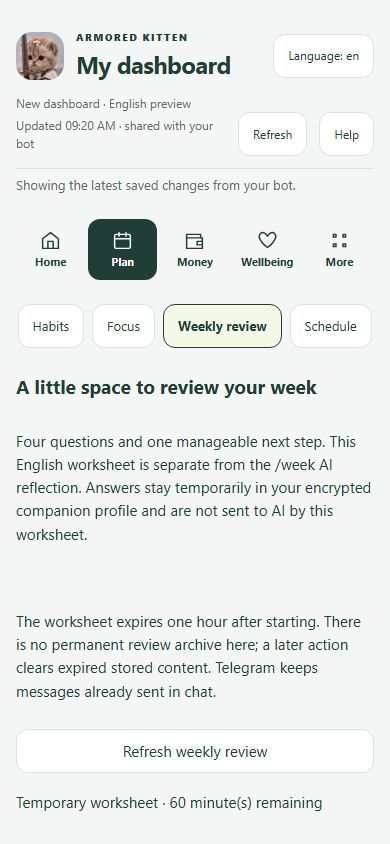
Temporary 4-question weekly review worksheet (/review) that turns your takeaway into a confirmed Goal step, plus /week reflection.
 Sample tutorial screen
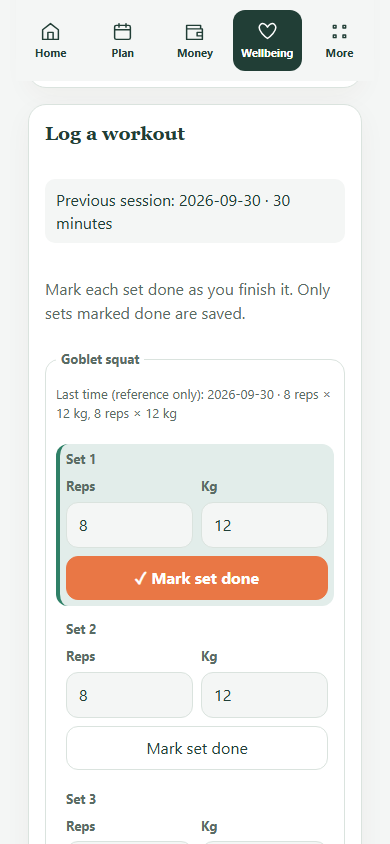
Pick a routine, place workout days on your calendar, and check in with taps (completed, shorter, rest or rescheduled) plus optional sets/weights.
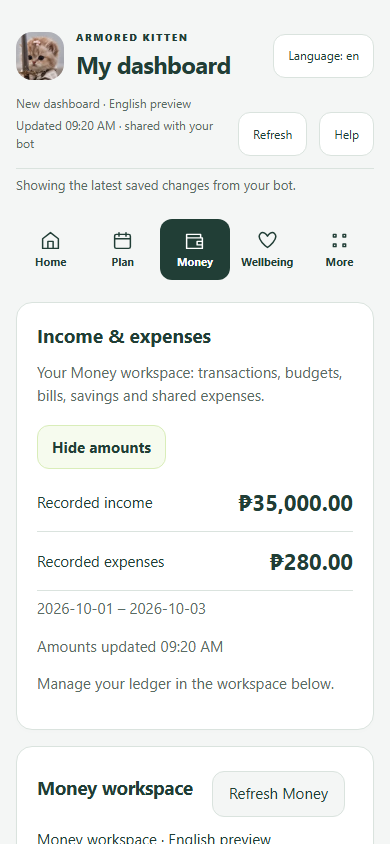 Sample tutorial screen
Log income and spending in chat or the Money view, review before saving, track budgets/bills/IOUs and export CSV. No financial advice.
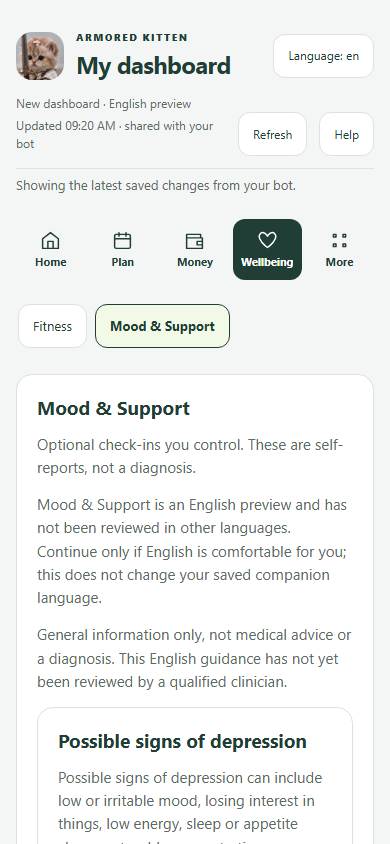 Sample tutorial screen
Separate consent for saved mood check-ins, low-pressure activity ideas, hard-day plans and country-aware human/crisis support links.
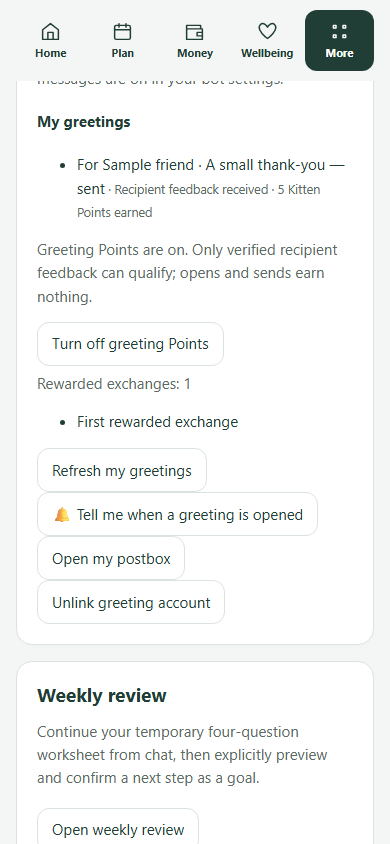 Sample tutorial screen
Manage automatic-message switches, topic pauses, email invitations, Greeting Studio cards (/guides/armored-kitten-tutorial) and daily tutorial pace.
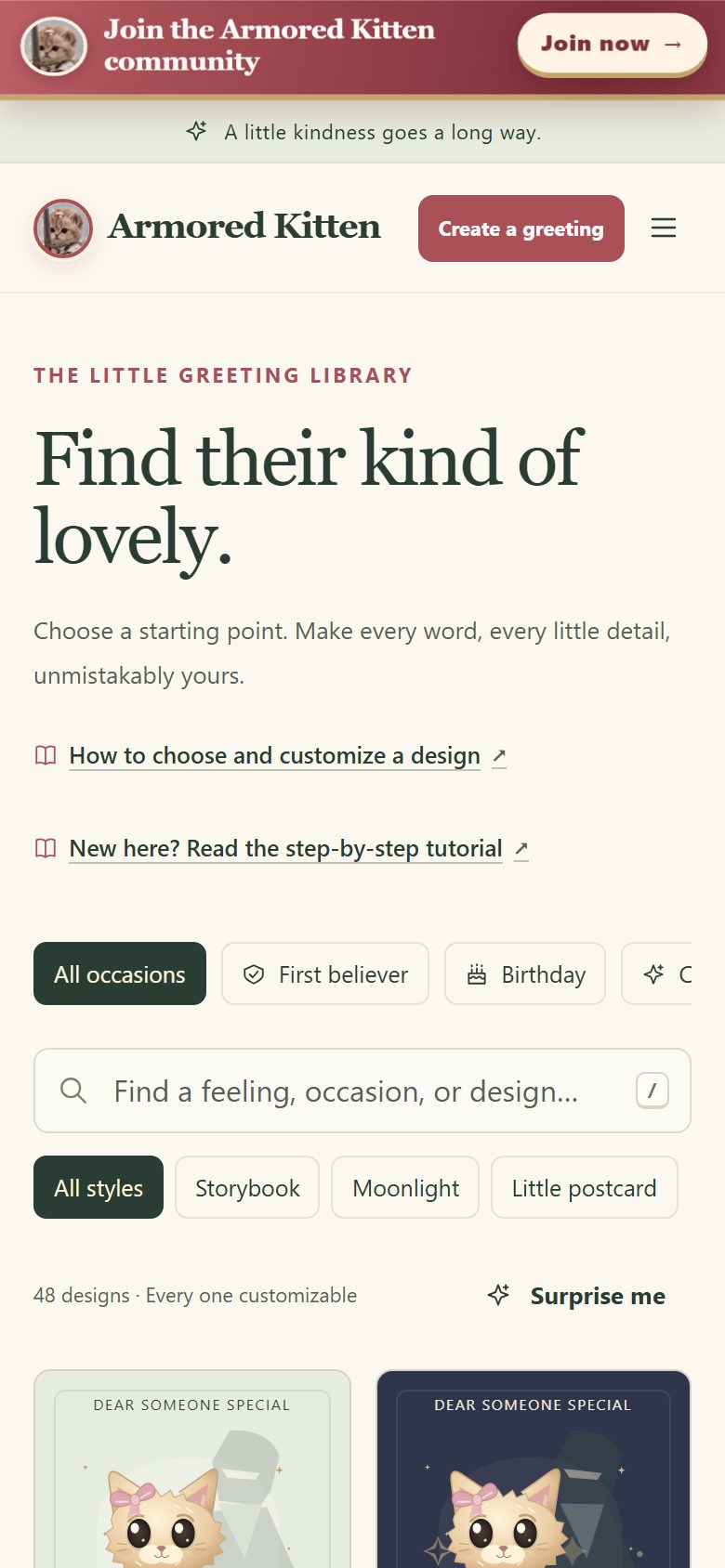 Sample tutorial screen
Create and send warm illustrated digital cards in three steps (Choose a moment → Make it personal → Preview and send) with no wallet required.
 Sample tutorial screen
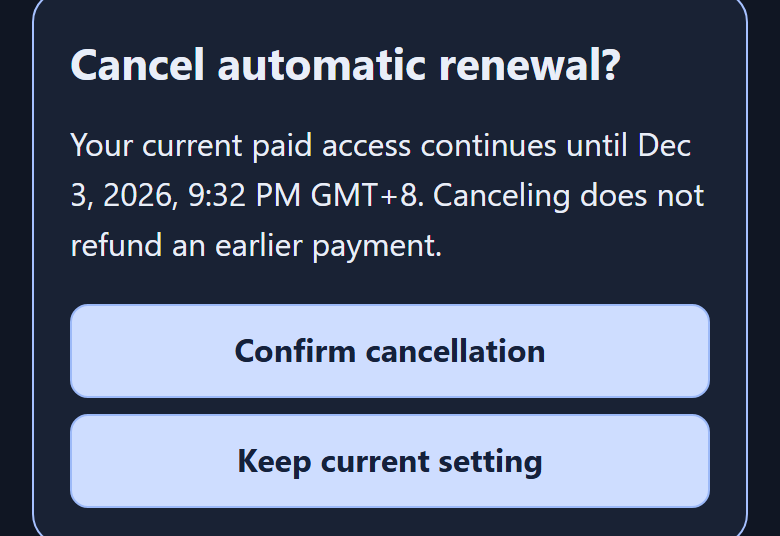
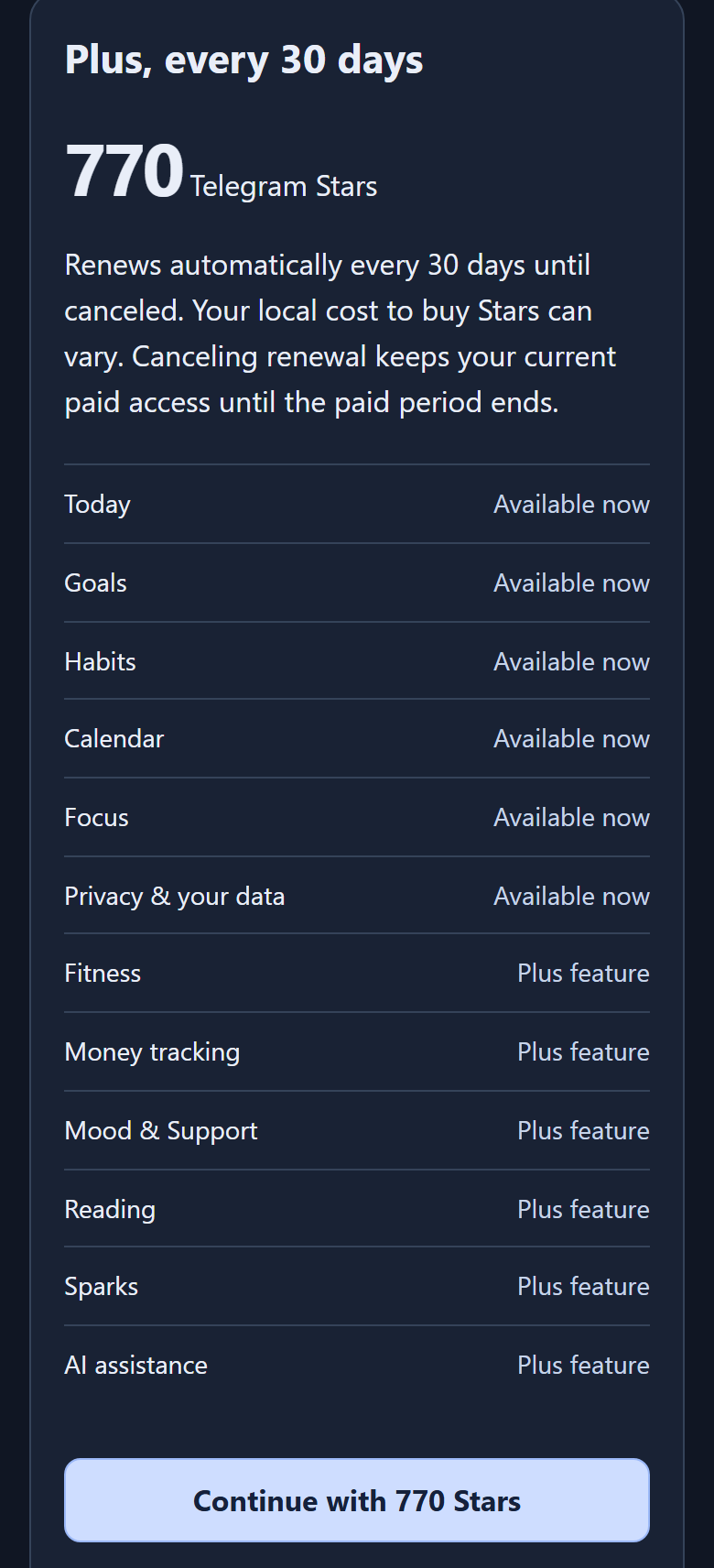
Five illustrated steps to buy Telegram Stars, pay 770 ⭐ for 30 days of Plus, verify status and cancel renewal any time.
More tutorials: Full 12-screen Dashboard Tutorial · Complete Telegram Companion Guide · Greeting Studio Tutorial · How to Send a Token Gift · How to Claim a Gift.
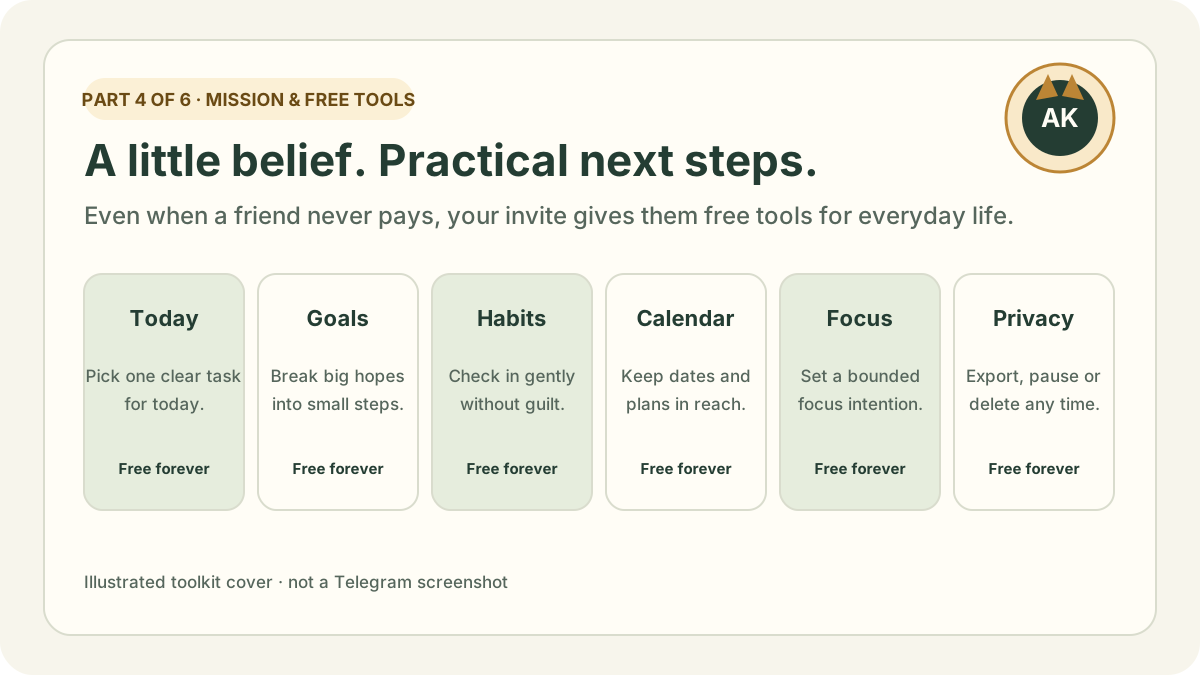
Why we build Armored Kitten, how friends keep free everyday tools and eligible accounts can explore a Plus trial when offered, and how Plus funds the work.
Continue to Part 4: Mission & free tools →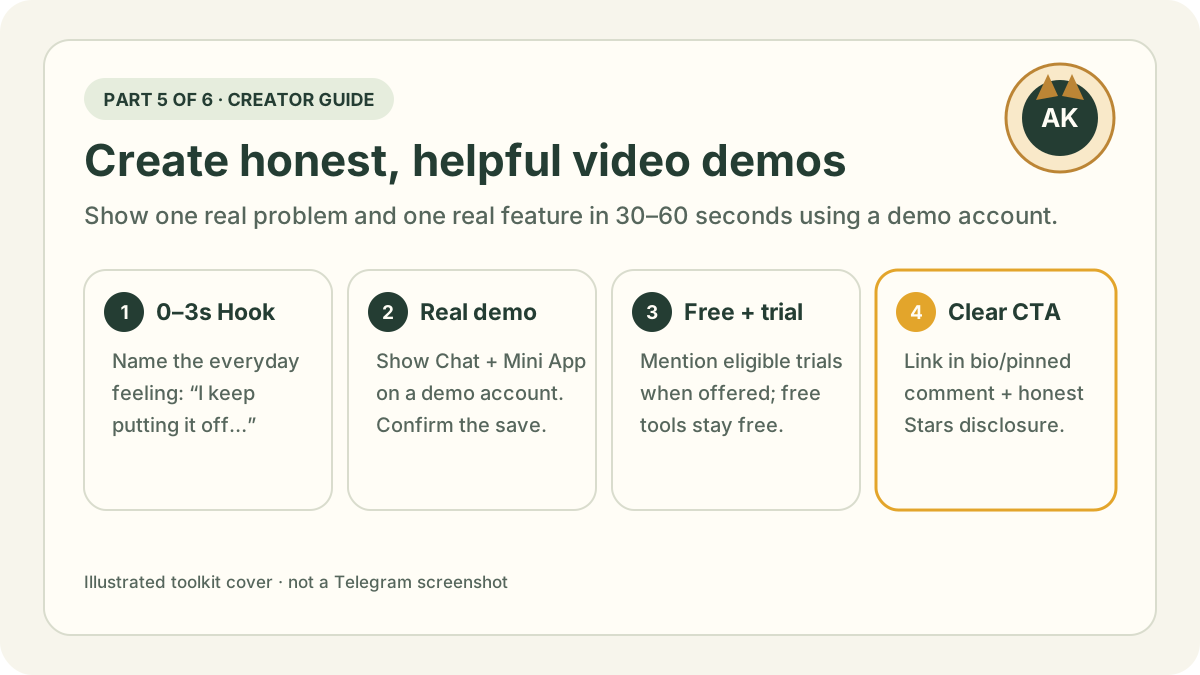
What features to film on screen, 8 video formats, a 60-second script template, demo-account recording rules, honest disclosures and a 2-week plan.
Read Part 5: Creator’s guide →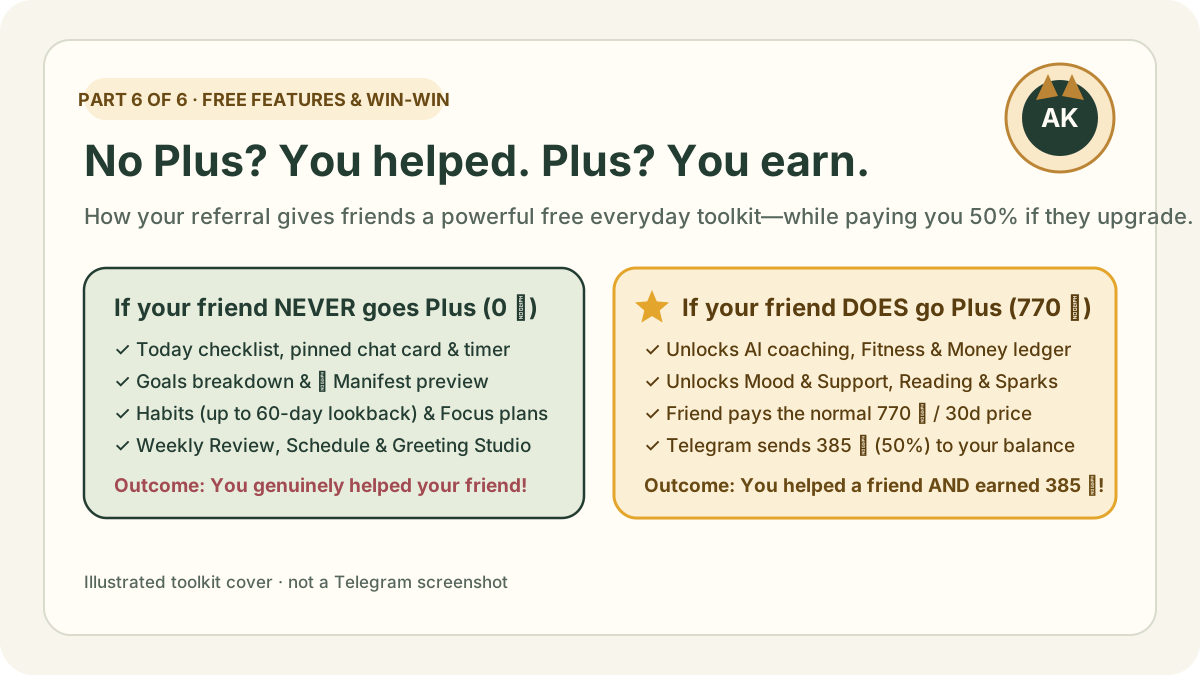
If your friend never subscribes to Plus, you still helped their life with 9 powerful free tools (Today, Goals, Manifest, Habits, Focus, Review, Schedule & Greeting Studio). If they do subscribe, you earn 50% (385 ⭐).
Read Part 6: Free tools & win-win →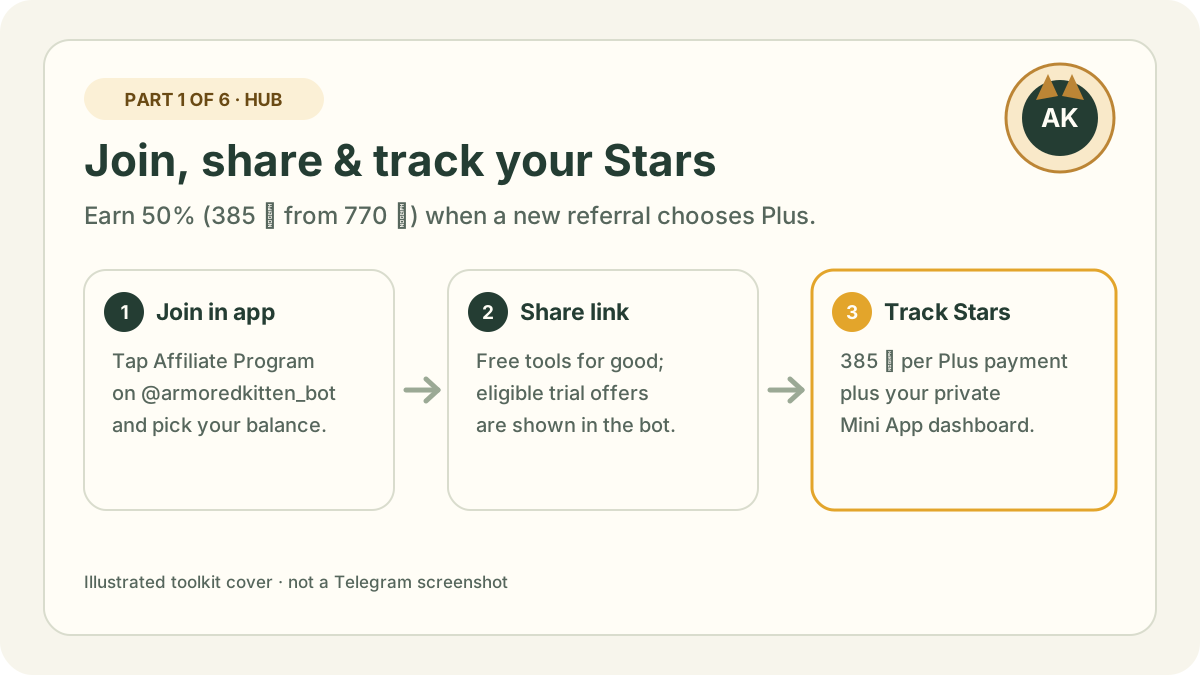
How to join in Telegram, get your referral link, earn 50% in Stars on first-month Plus payments and read your private affiliate dashboard.
Read Part 1: Join & earn →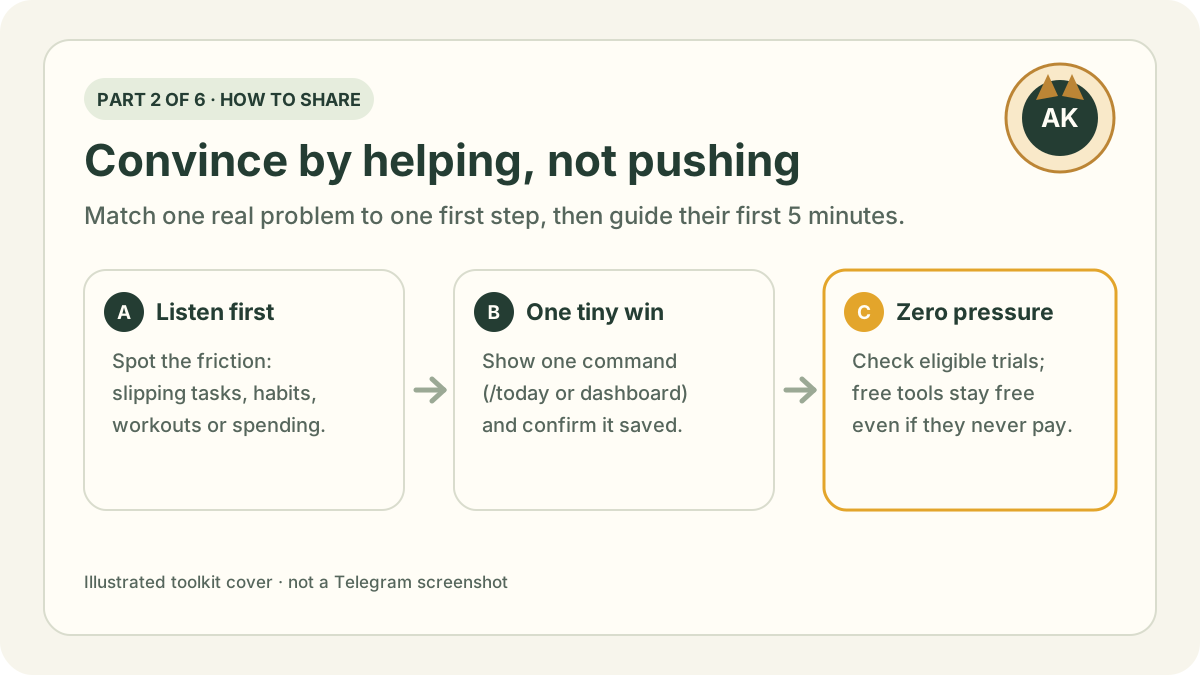
Match a friend’s everyday friction to one feature, walk them through their first 5 minutes, adapt ready-to-send messages and test yourself with flashcards.
Read Part 2: How to share →Product features, Telegram Stars pricing (770 ⭐ for 30 days of Plus) and affiliate terms were checked on . Telegram’s in-app program card is always the final word on live commission rates and durations.
Series thumbnails and diagrams are original illustrations made by Armored Kitten, not Telegram screenshots. Tutorial phone previews use disposable sample accounts and never display real user records, balances or earnings. Telegram is a trademark of its owner; Armored Kitten is not affiliated with or endorsed by Telegram. This page is written in English.