Give today a little structure
Send /today, choose Add task, and write one small thing. Mark it done when you finish.
 Armored KittenSMALL KNIGHT. BIG FEELINGS.
Big plans, busy days, or a moment when you feel stuck. Your Armored Kitten is here to help you find your next step — right in Telegram.
Open the bot, tap Start, and follow its welcome message.

I don’t know where to start today.
That’s okay. Let’s make it smaller.
What’s one thing you’d feel good about finishing?
You don’t need the perfect words.
Here’s all you need to get going.
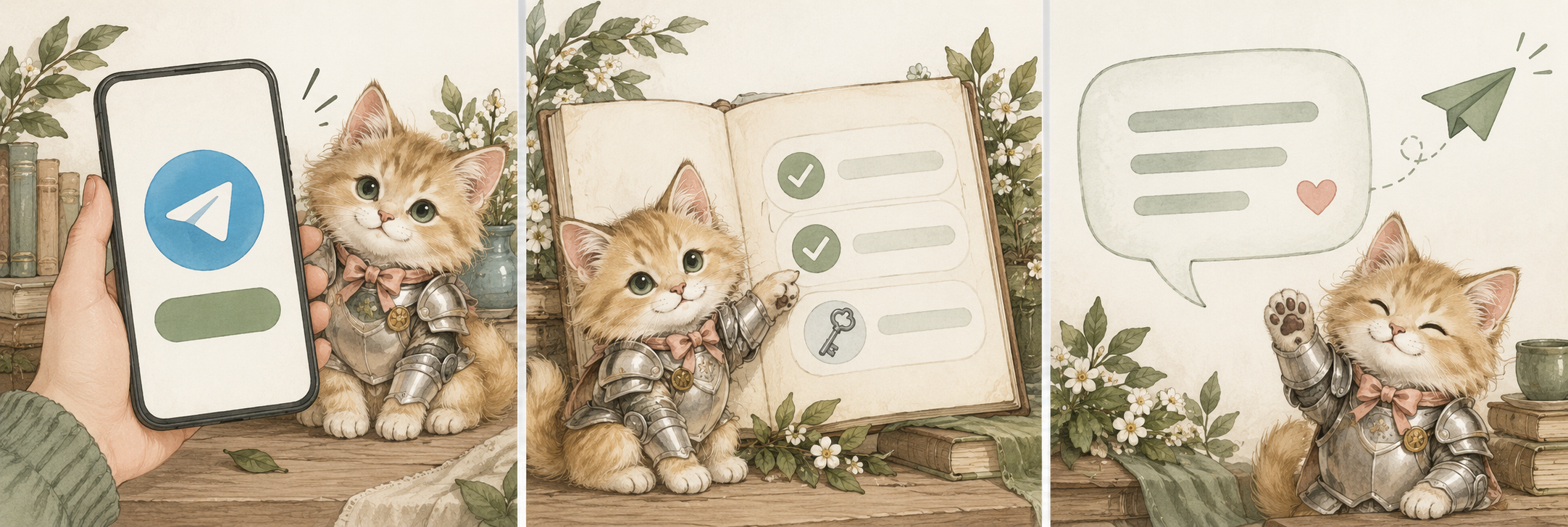
Open @armoredkitten_bot in Telegram and tap Start. Already opened it before? Send /start.
The bot guides you through the access steps for your account. Invited beta users may start right away; others may need an email code and a wallet link.
What will I be asked for?Share a goal, ask for a bit of encouragement, or say what’s on your mind. A single sentence is a lovely place to start.
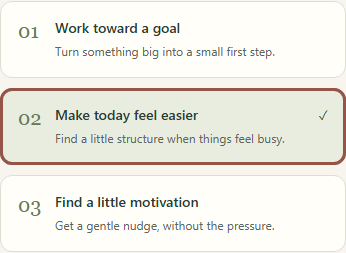
Help me find the wordsChoose a starting point.
You can always change direction.
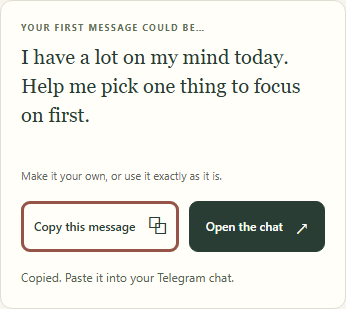
Copy a message, then paste and send it in Telegram. Nothing is sent from this page.
Close-ups of the controls on this page.
Then finish in your private Telegram chat.
Follow the steps shown in your own bot chat. Invited beta testers may have a limited trial without email or wallet setup. Other accounts follow the configured email and wallet checks. Trial availability, message limits and holder requirements are shown by the bot.
If asked for email verification, enter your address and send back the six-digit code. If asked to link a wallet, use the link the bot gives you and approve the free ownership message signature. It doesn’t move tokens or cost a transaction fee. Never share your recovery phrase or private key.
You don’t need to buy anything to read this guide. See the access walkthrough for more detail; the bot’s current rules apply to your account.
Install Telegram and create your Telegram account, then open @armoredkitten_bot. Tap Start in the private chat. If Telegram is already installed, you can search for that exact username in the app.
For email, check your spam folder. If the code has expired, return to the bot’s email step and request a new one. For a wallet, use the fresh linking page from your private chat. On a phone, open the link in your wallet’s built-in browser if needed.
One wallet can be linked to one Telegram account. Linking proves ownership and doesn’t guarantee access. The wallet walkthrough explains the next steps. If the companion is paused, try again when service resumes.
Daily notes, checklist reminders and conversation starters are separate optional features. Turn on only the ones you want, and check your time zone before enabling scheduled messages. You can pause them in Settings; checklist reminders can be turned off from /today.
It can remember conversation context and goals to help you pick up where you left off. Send /memory to review it, /export to download your companion data, or /forget to follow the deletion flow.
Chat with it privately and keep sensitive information out of messages. AI conversation text is processed by the model provider; this service is not end-to-end encrypted. It’s an AI companion, not a therapist or professional adviser. Read about settings and privacy.
No. Talk in your own words and use the buttons in the chat. When you want a walkthrough, send /tutorials or read the full companion guide. If you’re in the middle of entering something and want to stop, send /cancel.
One hello. One thought. One next step.
Say hello on Telegram @armoredkitten_bot · Follow the welcome for current access options.