Jupiter Send is a way to send Solana tokens to anyone, including people who don't have a crypto wallet yet, using a private invite code shared as a link or QR code. The recipient claims the tokens in the Jupiter Mobile app, and if they never claim, the invite expires and the tokens are designed to return to the sender.
What follows is how Jupiter Send works according to Jupiter's own documentation, how to claim a crypto gift in Jupiter Mobile, what "expiry" and "clawback" mean, and how to keep the invite code safe. Features can change, so check Jupiter's current documentation before relying on any detail here. Armored Kitten is not affiliated with Jupiter; we use Jupiter Send for our optional token gift feature where it is enabled.
What is Jupiter Send?
Jupiter describes Send as a tool for distributing tokens to people who may not have a wallet yet, for uses like gifting and onboarding. According to the Jupiter Send developer documentation:
- You can send SOL, USDC or other Solana tokens.
- The recipient doesn't need an existing wallet.
- There are no fees to send or claim, only network transaction fees.
- Claiming happens in Jupiter Mobile only. The invite code can be shared as a link or a QR code.
- Send is described as end-to-end self-custodial: if the recipient never claims, the invite code becomes invalid and the tokens are sent back on expiry. The sender can also use a clawback to reclaim an unclaimed invite.
Inside the Jupiter Mobile app, the same idea appears as a feature called Magic Links, which Jupiter's user docs describe as a way to send tokens to anyone using a shareable link with a claim code.
How a Jupiter Send gift works, behind the scenes
You don't need the technical side to use it, but a rough picture helps with safety.
When a gift is created, a random invite code is generated. Jupiter's docs explain that the code is 12 characters of base58 text, and that a Solana keypair is derived from it. Put simply, the code itself works like a key to the gift. Your tokens move from your wallet to an address controlled by that key, and whoever presents the code in Jupiter Mobile can claim them.
How to claim a crypto gift in Jupiter Mobile
If someone has sent you a gift, this is the process described in Jupiter's funding and sending guide.
Claiming a gift in Jupiter Mobile
- Check it's from someone you know.
Confirm with the sender through a channel you already trust, such as a call or an existing chat.
- Install Jupiter Mobile from your official app store.
Skip this if you already have it, and don't follow download links from strangers.
- Set up your wallet and write down your recovery phrase privately.
Jupiter warns that anyone with your recovery phrase has full control of your wallet. Never type it into a website or share it with anyone.
- Tap the gift link.
If the app is installed, the link opens it and fills in the claim code for you.
- Or enter the code manually.
Jupiter's guide points to Deposit → Receive funds → Claim Code.
- Confirm the claim.
Then check that the tokens appear in your wallet.
Expiry, clawback and "expired is not refunded"
Gifts don't wait forever. The deadline protects the sender, because an unclaimed gift doesn't sit in limbo.
- Expiry. Jupiter's user docs say Magic Links created in Jupiter Mobile expire automatically after 7 days if unclaimed, with tokens returned to the sender's wallet. Gifts created through other tools that use the Send API may show their own expiry time, so check the gift's details and Jupiter's current documentation.
- Revoke or clawback. Before expiry, a sender can cancel an unclaimed gift. In the app this is called Revoke Code. The developer docs describe a clawback that, in Jupiter's words, returns the full amount including leftover transaction fees and/or rent to the sender.
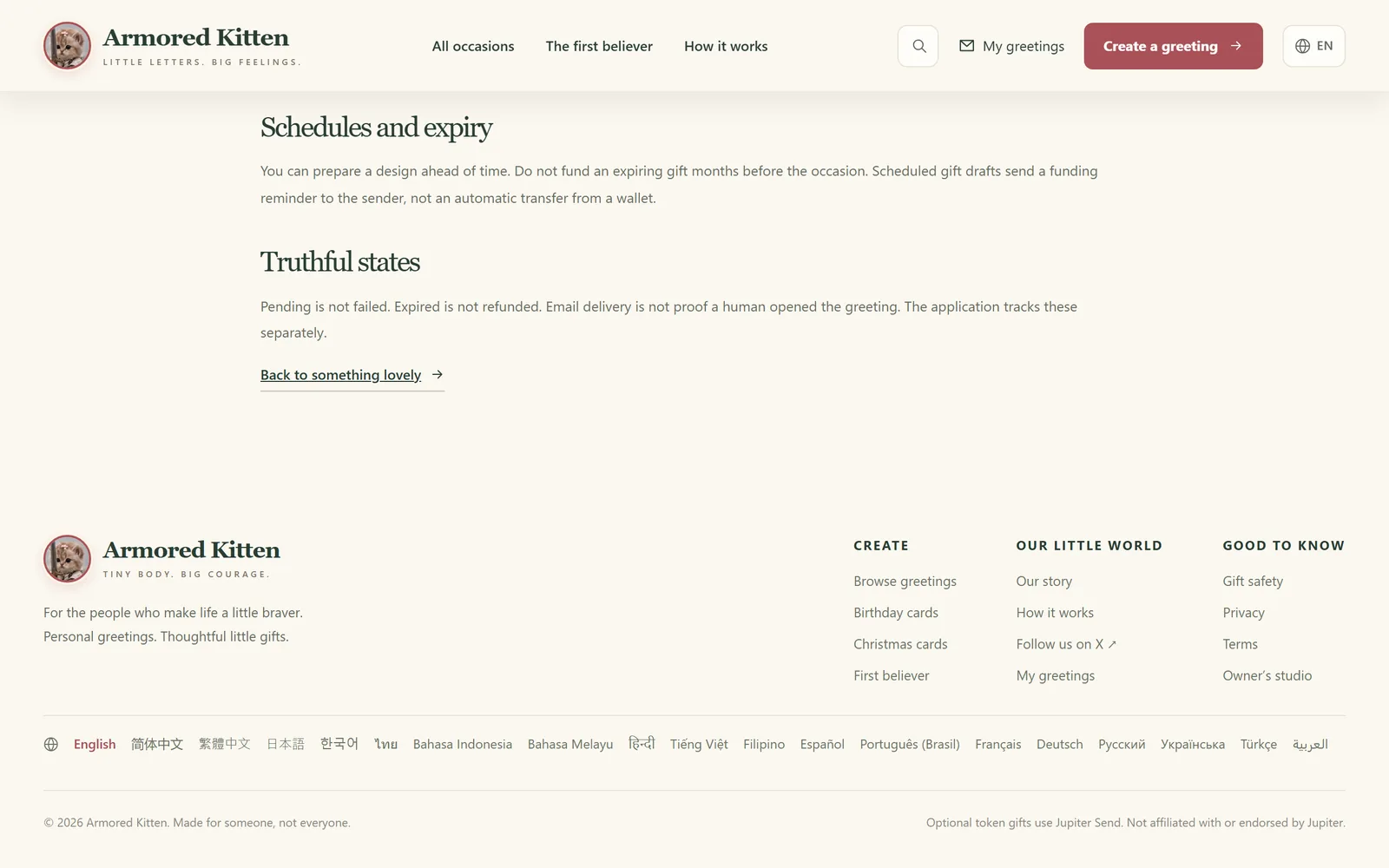
For senders, one distinction matters: "expired" is not the same as "refunded". An expired status tells you the code can no longer be claimed. On its own, it doesn't prove the tokens are back with you. Check your wallet balance or history to confirm the return, and if it hasn't happened, use the recovery or clawback option offered by the tool you used. On Armored Kitten, an unclaimed gift has a recovery flow for exactly this reason.
Keeping the invite code safe
Because the code is effectively the key, treat it like cash in an envelope.
- Share it one to one. Use a private message or a private card link, never a public post or a big group chat.
- Don't screenshot it into shared albums or paste it into public documents.
- Tell the recipient what to expect. A heads-up from you protects them from copycat "claim your gift" scams.
- If you think the code leaked, cancel the gift with Revoke Code or the clawback option, if it hasn't been claimed yet.
- Remember the recovery phrase is separate. Claiming a gift never requires the recipient's seed phrase. Anyone asking for it is attempting theft.
For a wider look at scams, read is gifting crypto safe?.
How Armored Kitten wraps Jupiter Send in a greeting
On its own, a claim link is a string of characters. We think a gift deserves a message.
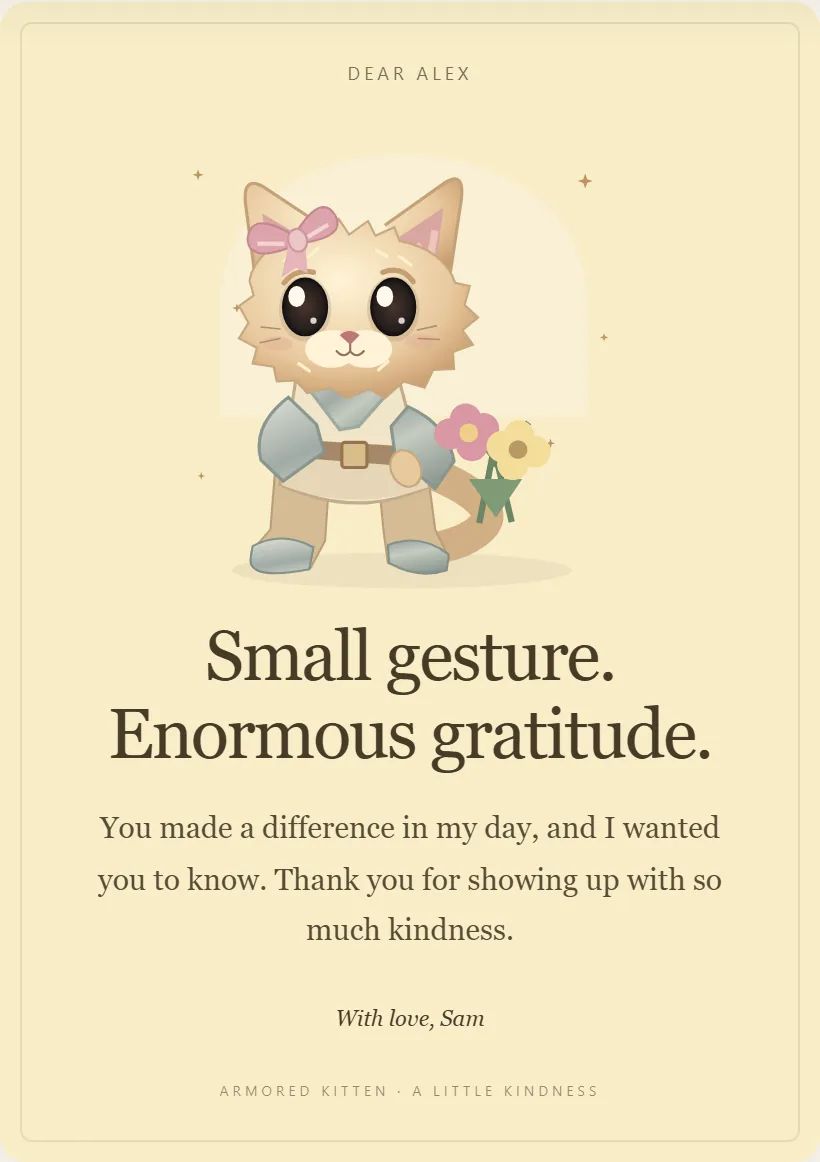
With Armored Kitten, you start with a card: one of 16 occasions and 48 starting designs, every word editable, plus an optional photo, a voice note of up to 20 seconds, an inside joke and three tap-to-open pocket notes. The recipient can read it in a browser without a wallet, save a card image or a self-contained greeting file, and send you a short reply.
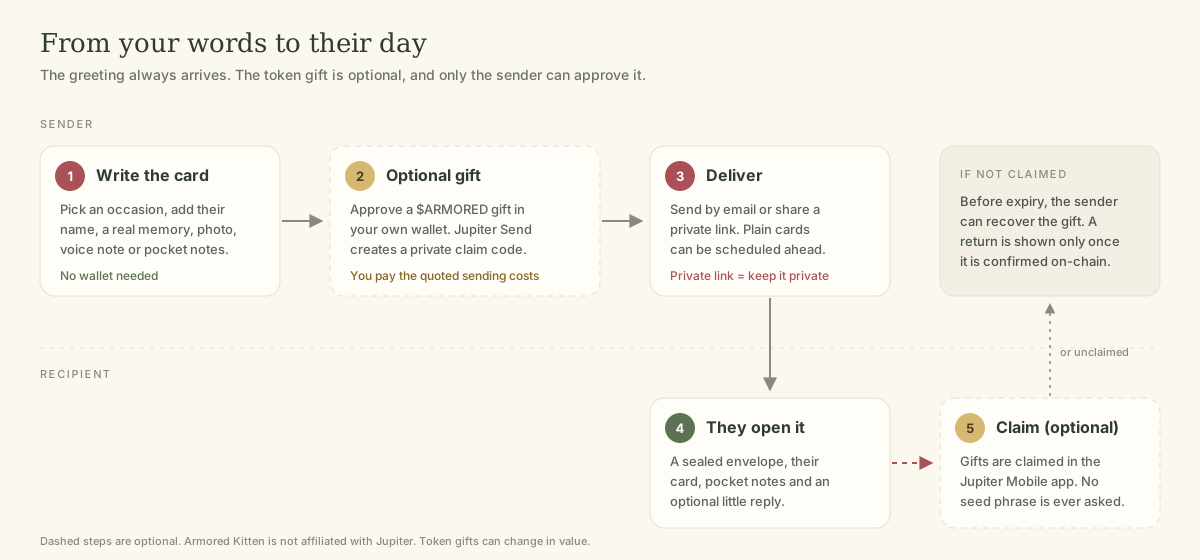
Where enabled, you can then attach an optional $ARMORED Solana token gift created with Jupiter Send:
- You approve it in your own wallet, and you pay the sending costs shown before you confirm.
- Your recipient claims it in Jupiter Mobile, using the private gift link or code.
- Anyone holding that link or code can redeem it, so it should stay private.
- If it isn't claimed, it has a provider expiry and a recovery flow.
- Plain cards can be scheduled, but a future-dated token gift needs your wallet approval near delivery. A schedule isn't an automatic payment.
- We never ask for your seed phrase.
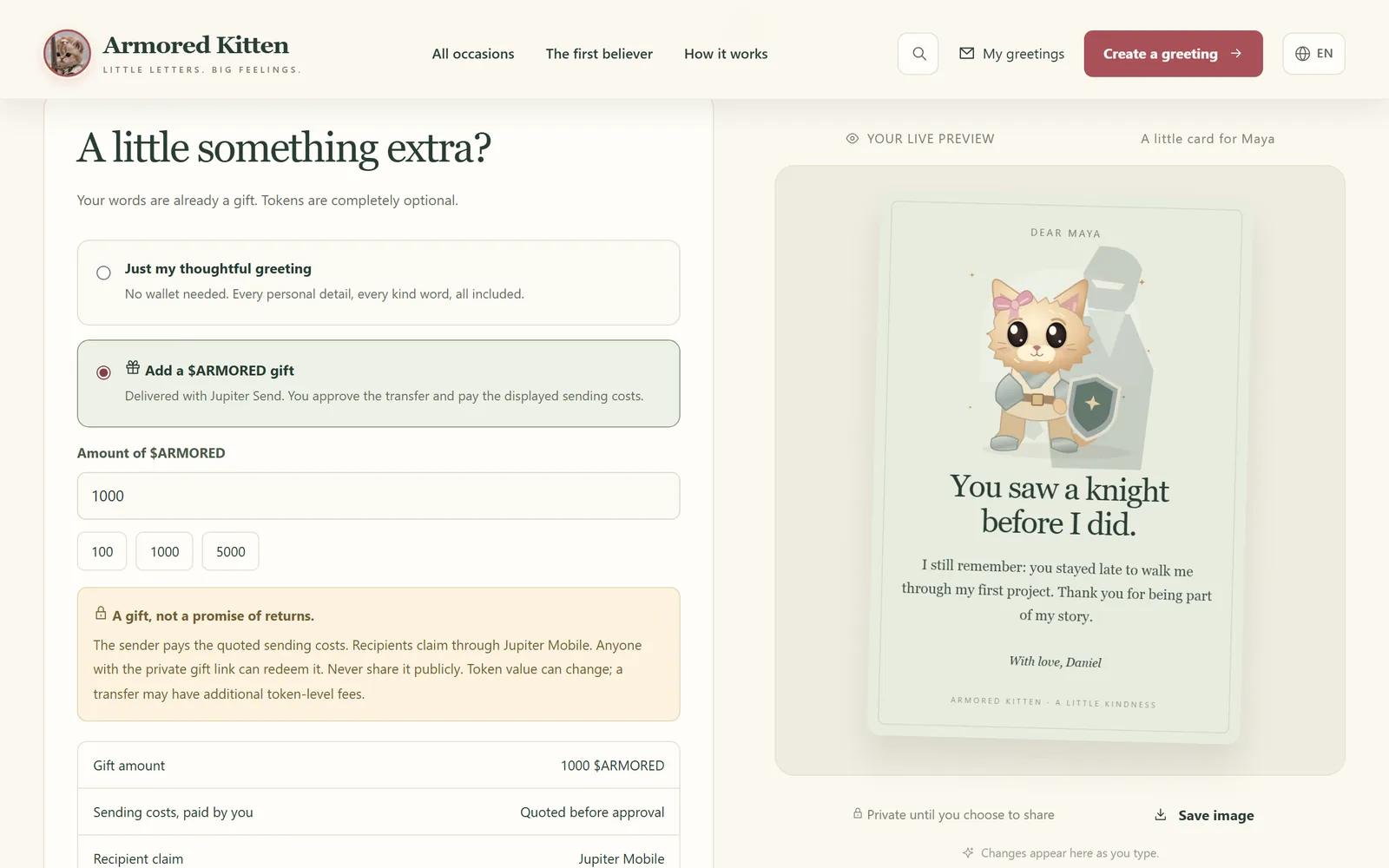
Our signature card thanks the first person who believed in you. It's a good home for a small gift, but the words alone are enough. For another idea, see our thank-you message for a mentor.
Frequently asked questions
Do I need a wallet to receive a Jupiter Send gift?
Not before the gift is sent. To claim it, you'll set up a wallet in Jupiter Mobile, which Jupiter's docs say is the only place claims happen.
Can I claim a Jupiter Send gift on a website?
According to Jupiter's developer docs, claiming must be done via Jupiter Mobile. Be cautious of any website that asks you to "claim" by connecting a wallet or entering a phrase.
How long do I have to claim?
Jupiter's user docs say Magic Links created in the app expire after 7 days. Gifts created through other tools may differ, so check the gift's details and Jupiter's current documentation.
Who pays the fees?
Jupiter says there are no fees to send or claim beyond network transaction fees. The sender approves the sending transaction and pays the costs it shows.
What if someone else claims my gift first?
Whoever presents a valid code can claim it, and claimed transfers generally can't be reversed. That's why the link must stay private.
Is Armored Kitten part of Jupiter?
No. Armored Kitten is an independent greeting studio that uses Jupiter Send for an optional token gift where enabled.
The short version
Jupiter Send makes a token transfer feel closer to a wrapped present: a private code, a claim in Jupiter Mobile, and a safety net if nobody opens it. Keep the code private, confirm returns in your wallet, and let your message carry the meaning. For more ways to give, read how to send crypto as a gift.
Plain-language disclaimer: this guide is general information, not financial advice, and Jupiter's features may change, so check Jupiter's current documentation. Tokens can lose value or have little liquidity, and claimed transfers usually can't be undone. Never share your seed phrase. Armored Kitten never asks for it.
Armored Kitten is an independent greeting studio and is not affiliated with or endorsed by Jupiter. Token gifts are optional, can change in value, and are not investment advice. Check the rules that apply where you live.