Most people working out how to send crypto as a gift end up choosing between four routes: a direct transfer to the recipient's wallet, a crypto gift card, a claim link they redeem later, or a hardware wallet they set up themselves. The coin matters less than the person. Do they already have a wallet? Are they at ease with apps? How much help will they want?
Below you'll find each method with its trade-offs, a routine to follow every time, and a case for putting more thought into the words than the amount.
The quick answer: four ways to gift cryptocurrency
Start with one question: does the recipient already have a crypto wallet they know how to use?
- Yes, and they use it. A direct wallet transfer is usually simplest.
- No, and they would rather not install anything. A personal card with words is probably the kinder gift, with crypto as an optional extra later.
- No, but they are curious. A claim-link gift lets them pick up the tokens when they are ready.
- They want to take self-custody seriously. A new hardware wallet, set up by them, can be a thoughtful long-term gift.
Method 1: Direct wallet transfer
A direct transfer sends tokens from your wallet to the recipient's public wallet address. On Solana, for example, every transaction pays a base fee of 5,000 lamports per signature, a tiny fraction of one SOL.
Pros
- Fast and simple when both people already use wallets.
- Nothing to redeem: the tokens arrive in their wallet.
- No middleman holds the gift.
Cons
- You need their exact address, on the right network.
- Transfers cannot be undone. The FTC notes that crypto payments typically cannot be reversed the way card payments can.
- Without a message, it can feel like a payment rather than a present.
Method 2: Crypto gift cards from an exchange or retailer
A crypto gift card comes in one of two forms. An exchange gift card, such as a Binance Gift Card, carries crypto value that the recipient redeems into an exchange account. A crypto-funded retail card, such as those sold by Bitrefill, lets you pay with crypto for a gift card that gets spent at a regular shop.
Pros
- A familiar format: a code, a card, a redeem button.
- Retail gift cards don't require the recipient to understand crypto at all.
Cons
- Exchange cards usually require an account. Binance, for example, says only verified users can redeem its gift cards.
- The code works like cash: Binance notes that anyone with the code can redeem it.
- The recipient may end up holding crypto on a platform rather than in their own wallet.
For a fuller comparison, read our guide to crypto gift card alternatives.
Method 3: Claim-link gifts like Jupiter Send
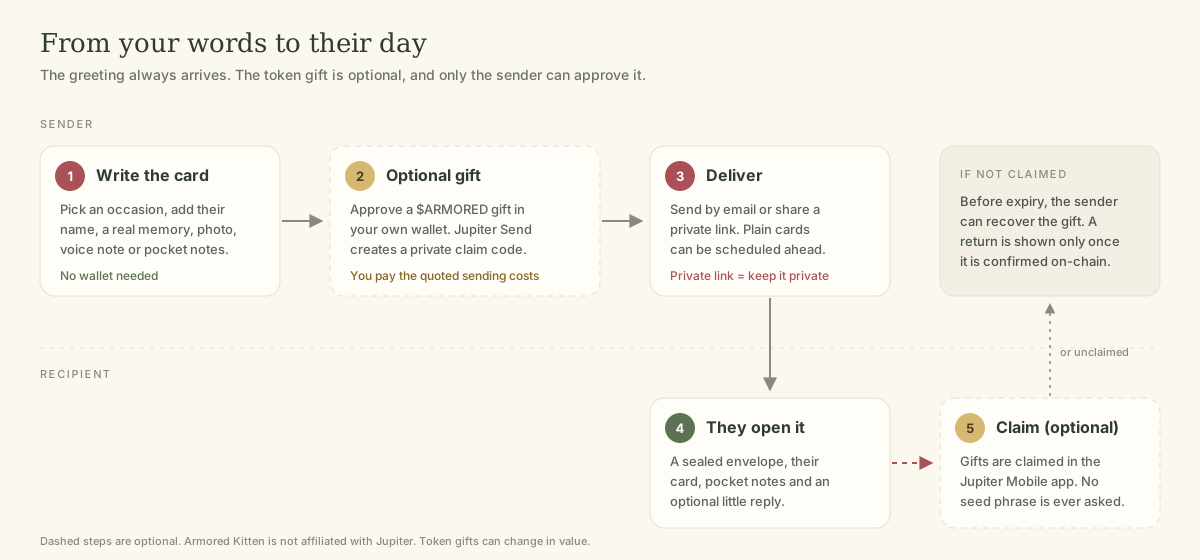
A claim-link gift locks tokens behind a private code or link. The recipient opens it later and claims the tokens into a wallet. On Solana, Jupiter Send works this way. According to Jupiter's developer documentation, you can send SOL, USDC or other tokens, claiming happens in the Jupiter Mobile app, and unclaimed invites can be returned to the sender on expiry or reclaimed through a clawback.
Pros
- The recipient doesn't need a wallet before you send.
- If they never claim, the gift is designed to come back to you rather than vanish.
- Jupiter says there are no fees to send or claim, only network transaction fees.
Cons
- Whoever holds the link or code can claim the gift.
- Claims have a deadline, so a forgotten link can expire.
- The recipient still needs to install an app to claim.
We explain the details in Jupiter Send, explained. Armored Kitten is not affiliated with Jupiter; we use Jupiter Send for the optional token gift feature where it is enabled.
Method 4: A hardware wallet as a gift
A hardware wallet is a small device that keeps the keys to a crypto wallet offline. It's a gift of crypto security, and you can add tokens later once the recipient has set it up.
Pros
- Encourages good long-term habits around self-custody.
- A physical present to unwrap, which some people love.
Cons
- Setup takes time and care.
- It's only safe if bought new from a trusted source and set up by the recipient.
The rule that matters most: the recipient must create their own recovery phrase on the device. Ledger states plainly that a legitimate device never comes with a recovery phrase pre-configured. Never write down a phrase for someone else, and never gift a device you have already set up.
How to send crypto as a gift, step by step
Whichever method you pick, the same routine applies.
Before you send any crypto gift
- Pick the method that fits the person.
Use the questions above, not whatever is trending.
- Choose a modest amount you're comfortable giving.
Token values can fall, and some tokens are hard to sell. Give it as a gesture, not as an investment tip.
- Confirm the network and token.
On Solana, check the token's mint address in your wallet or a block explorer, so you know you're sending the real token and not a look-alike. Our guide on how to gift Solana tokens explains this simply.
- Check the destination.
For a transfer, verify the address with the recipient. For a claim link, plan how you'll share it privately.
- Review costs before approving.
Your wallet shows the network fee and any account-creation cost. You approve and pay; the recipient shouldn't have to.
- Write the message first, then attach the gift.
It keeps the focus on the person.
- Share privately.
Send claim links one to one, never in a public post or group chat.
- Follow up kindly.
Ask whether it arrived and offer to help them claim, without pushing them into anything they're unsure about.
Why a personal message matters more than the amount
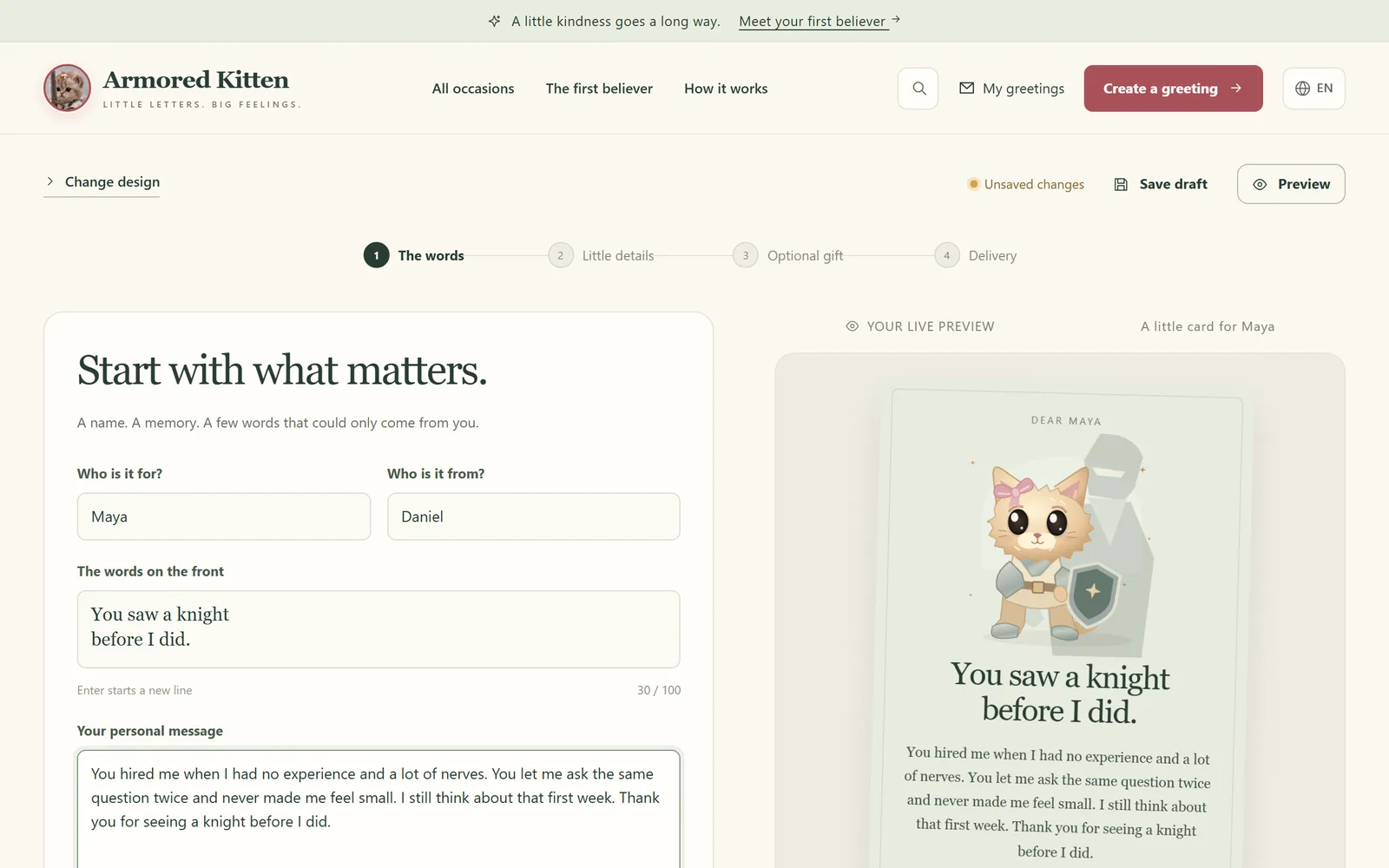
Tokens sent with no words can land like a payment notification. A few honest sentences turn them into a memory. Tell them why you're thinking of them: the job they started, the exam they passed, the time they believed in you before anyone else did.
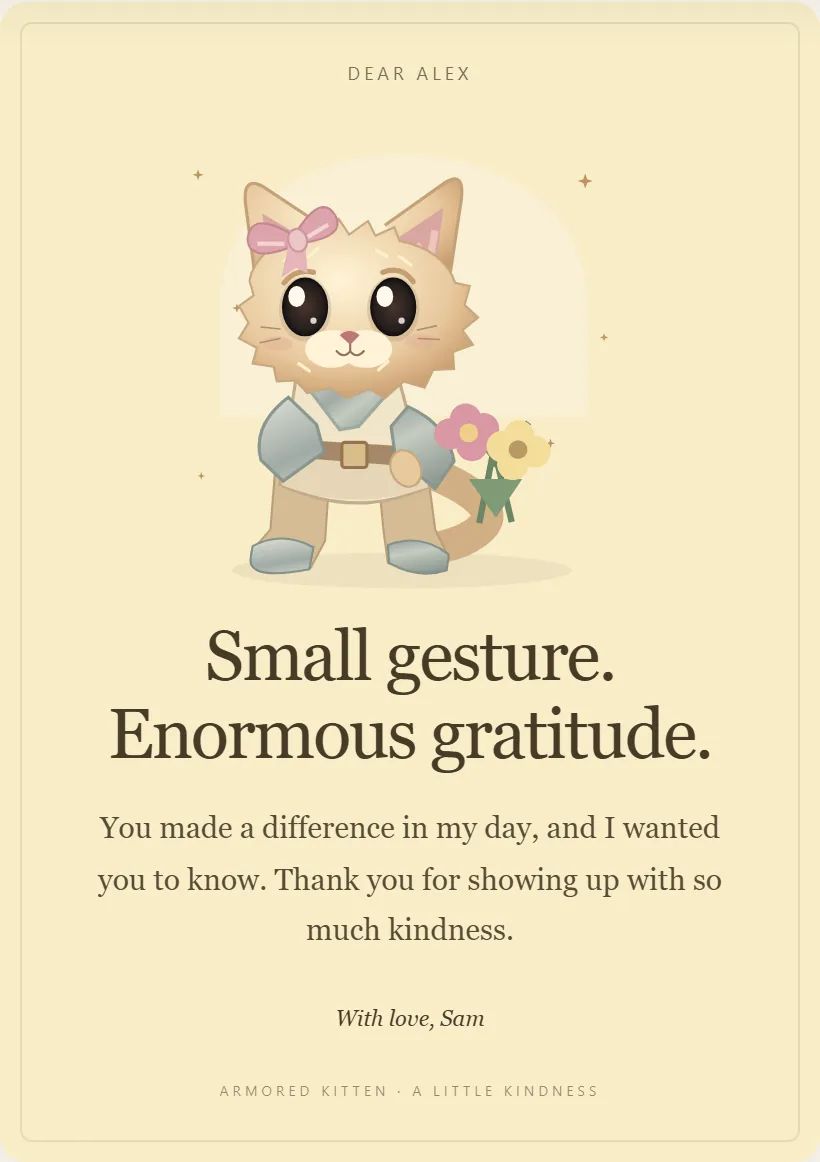
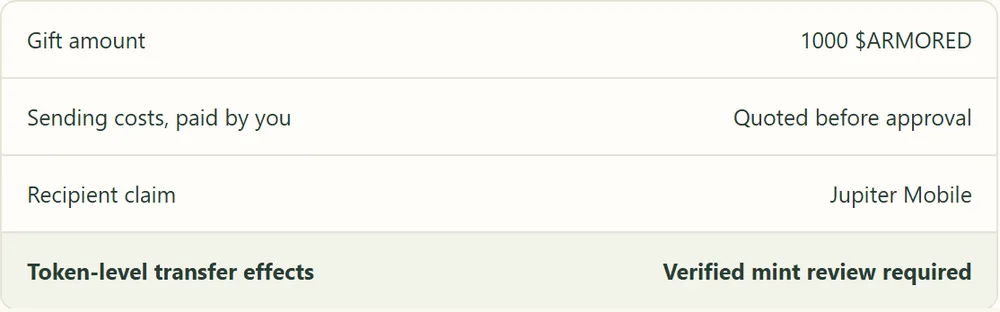
That's the idea behind Armored Kitten. You choose from 16 occasions and 48 starting designs, edit every word, and can add a photo, a short voice note of up to 20 seconds, an inside joke and three tap-to-open pocket notes. No wallet is needed to make or read a card. If you want, and where enabled, you can attach an optional $ARMORED token gift created with Jupiter Send. You approve it in your own wallet and pay the displayed sending costs, and the recipient claims it in Jupiter Mobile.
If the card is for someone who helped you get where you are, our card for the first person who believed in you was made for exactly that. For a birthday, start with the birthday card designs.
Ideas for what to write:
- One specific memory only the two of you share.
- What you admire about how they handle hard things.
- A small wish for the year ahead, not a forecast about any price.
Frequently asked questions
What is the easiest way to send crypto as a gift to a beginner?
For someone with no wallet, a claim-link gift or a retail gift card bought with crypto is usually easiest. Pair it with a clear note on what to do next. Our guide on giving crypto to someone new to crypto covers this gently.
Can I get crypto back if I sent it to the wrong address?
Usually not. Blockchain transfers are generally final, which is why checking the address and network before you confirm matters so much.
Do I pay the fees, or does the recipient?
With a direct transfer or a claim link, the sender approves the transaction and pays the network fee. Gift card fees depend on the provider, so read their terms.
Is gifting crypto taxable?
It depends on where you live. In the US, the IRS says gifts of digital assets may need to be reported on Form 709. Check your local tax guidance, or ask a qualified professional.
What happens if they never claim a claim-link gift?
With Jupiter Send, unclaimed invites expire and the tokens are designed to return to the sender, and the sender can also claw back an unclaimed invite before expiry. Expired is not the same as refunded, so always confirm the tokens are back in your wallet.
Can I schedule a crypto gift for a birthday?
You can schedule a plain card. A future-dated token gift still needs your wallet approval near delivery, because a schedule is not an automatic payment.
A small closing note
A good crypto gift is one the person can receive without stress and keep safely, and it arrives with words that sound like you. Start with the message, pick the simplest method that fits them, and keep any secret links private.
Please note: this guide is general information, not financial, legal or tax advice. Crypto tokens can lose value, can be hard to sell, and transfers usually cannot be reversed. Only give what you are comfortable giving, and never share a seed phrase with anyone. Armored Kitten will never ask for yours.
Armored Kitten is an independent greeting studio and is not affiliated with or endorsed by Jupiter. Token gifts are optional, can change in value, and are not investment advice. Check the rules that apply where you live.