How to gift Solana tokens, in short: choose the token, confirm its mint address, then either send it to the recipient's Solana wallet address or create a claim link they can redeem later. You, the sender, approve the transaction and pay the small network fee, plus a refundable storage deposit if the recipient doesn't yet have an account for that token.
That last sentence hides a few Solana-specific ideas: token accounts, rent and mint addresses. Each one is explained below in plain English, so your gift arrives safely and your friend isn't left puzzled.
SOL vs SPL tokens: what are you actually gifting?
Solana has two broad kinds of tokens you might give.
- SOL is the network's native token. It also pays for transaction fees.
- SPL tokens are everything else built on Solana: stablecoins such as USDC, community tokens, and project tokens like $ARMORED.
Every SPL token is defined by a mint account. In Solana's words, a mint account represents a specific token and stores its global details, such as total supply. The mint's address is the token's true identity. Anyone can copy a name or a logo. Nobody can copy the mint address.
Wallets that can send and receive Solana tokens
To gift Solana tokens directly, both you and the recipient need a Solana wallet. Popular self-custody options include Phantom, Solflare and Jupiter Mobile. They all let you:
- view your SOL and token balances,
- copy your receiving address or show it as a QR code,
- send tokens and review costs before you approve.
If your recipient has no wallet yet, don't rush them into installing one just to receive a gift. A claim-link gift, covered below, lets them choose when to set up. Our guide to giving crypto to someone new to crypto has gentle tips.
Safety basics for any wallet: a recovery phrase (seed phrase) is the master key to the wallet. Jupiter's own help pages say that anyone with your recovery phrase has full control over your wallet. No genuine gifting site, including Armored Kitten, will ever ask for it.
Token accounts and rent, explained simply
This is the part that surprises people coming from other blockchains.
On Solana, your wallet doesn't hold SPL tokens directly. For each token you own there is a separate token account that tracks ownership of one token for one owner. The standard one is called an associated token account, and its address is worked out from your wallet address and the token's mint.
Two practical consequences:
- The recipient may need a new token account. If your friend has never held that token, an account has to be created before the transfer. Solana's transfer guide shows the sender's transaction creating the recipient's associated token account when needed. Your wallet normally handles this automatically.
- Creating an account needs a small deposit, often called "rent". Solana says every account must hold a refundable minimum balance proportional to its data size. Whoever pays for the creation instruction funds that balance, even when another wallet owns the account.
So gifting an SPL token to someone new may cost slightly more than a plain SOL transfer. That's normal. On top of that, each transaction pays a base fee of 5,000 lamports per signature. Your wallet shows the total before you approve, so trust those numbers over estimates you've read elsewhere.
How to gift Solana tokens by direct transfer
If the recipient already uses a Solana wallet, a direct transfer is the quickest route.
Gift Solana tokens by direct transfer
- Ask for their address directly.
Have them send it by message or show a QR code. Don't copy addresses from your transaction history, where look-alike addresses can appear.
- Open your wallet and choose Send.
Pick the token from your own balance list rather than searching by name.
- Check the mint address.
Compare it with the token's official source, such as the project's website or verified social account. The next section shows how.
- Paste the address and enter the amount.
Start small if this is your first time sending to them.
- Review the confirmation screen.
Check the token, the amount, the first and last characters of their address, and the displayed fees.
- Approve in your wallet.
You sign, and you pay the network costs.
- Tell them it's coming, with a message.
A transfer with no context can look like spam, so say who it's from and why.
How to check the mint address before you send
Look-alike tokens are common, because anyone can create a token with a familiar name and logo. Before gifting any SPL token:
- Find the official mint address on the project's own website or in its documentation.
- Compare all of it, or at least a long run at the start and end. Don't rely on the ticker symbol.
- Look it up in a block explorer, such as Solana Explorer or Solscan, to see the token's details.
- Be wary of unknown tokens that appear in your wallet. Jupiter warns that some unknown tokens are designed to drain your wallet when you approve a transaction.
Token-2022: a caution before gifting
Solana has two token programs. The original Token Program handles the basics, and Token-2022 (also called Token Extensions) adds optional extensions. Some extensions change how a token behaves after you send it, for example:
- Transfer fees, where part of each transfer is withheld under the issuer's fee settings.
- Transfer hooks, which run an extra program whenever the token moves.
- Permanent delegate, an authority that can move or burn tokens from any holder's account.
- Non-transferable or pausable settings, which can stop tokens from moving.
None of this is automatically bad, and many Token-2022 tokens are perfectly ordinary. Before you gift one, though, look up which extensions it uses in a block explorer or the project's documentation, so you know what your friend is actually receiving. Not every tool supports every extension, either.
Claim-link gifts: when they don't have a wallet yet
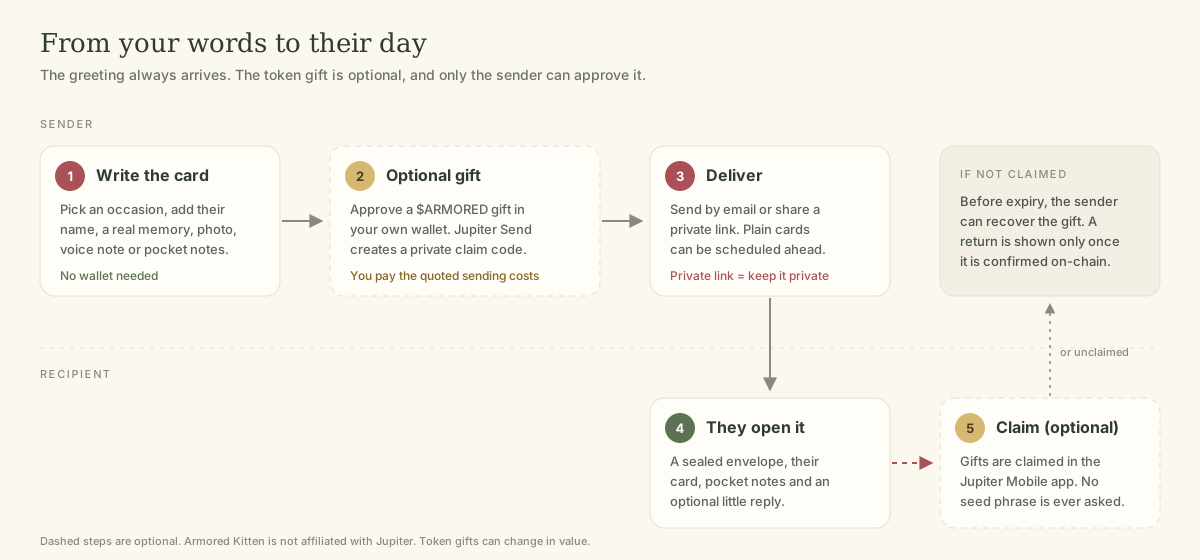
A claim link lets you fund a gift now and let the recipient pick it up later. Jupiter Send is one Solana option: per Jupiter's documentation, you can send SOL, USDC or other tokens, and the recipient claims in the Jupiter Mobile app. An unclaimed invite expires and the tokens are designed to go back to the sender, who can also reclaim it before expiry. Armored Kitten is not affiliated with Jupiter.
For more detail, read Jupiter Send, explained.
Wrapping your Solana gift in a real message
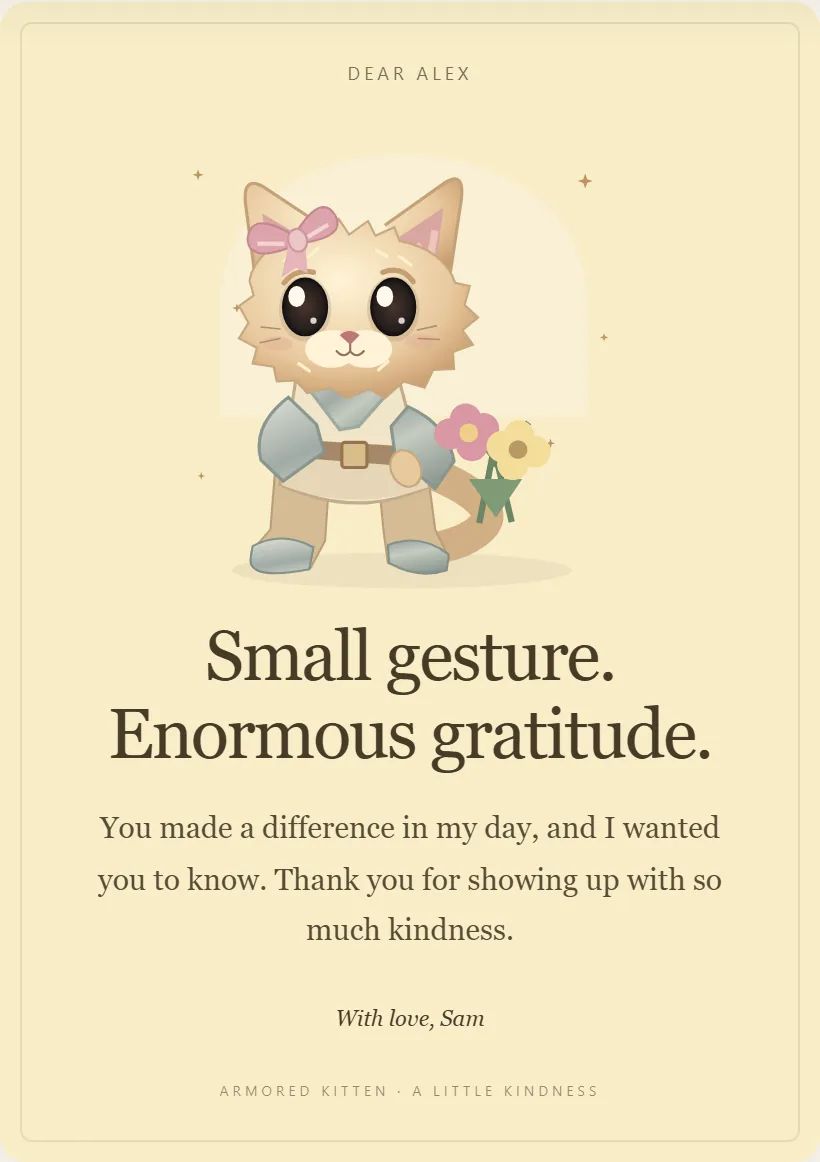
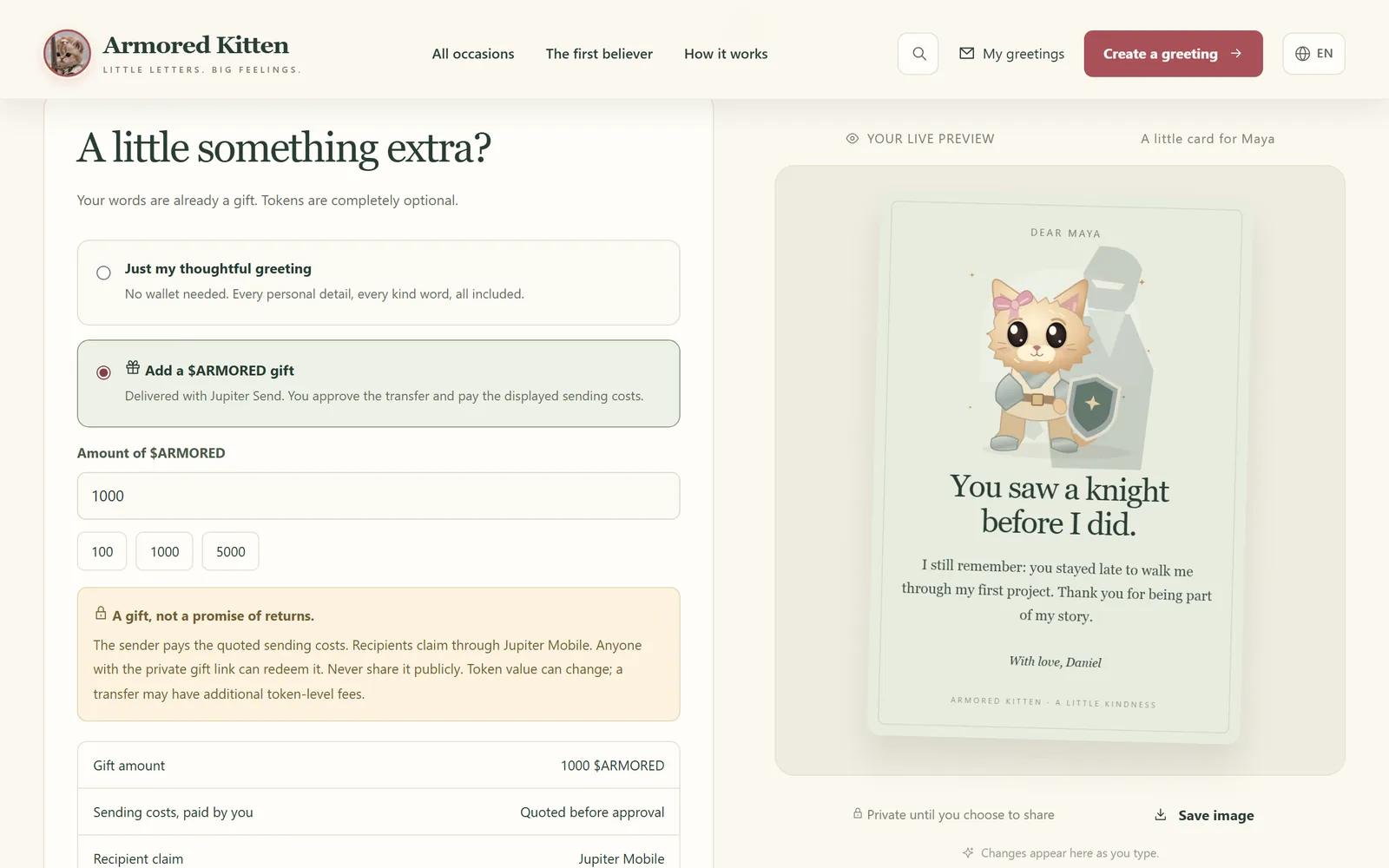
A token on its own says "here's some value". A card says "I thought about you". With Armored Kitten you pick an occasion, such as a birthday or a congratulations card, edit every word, and can add a photo, a voice note of up to 20 seconds and three tap-to-open pocket notes. No wallet is needed to make or read the card.

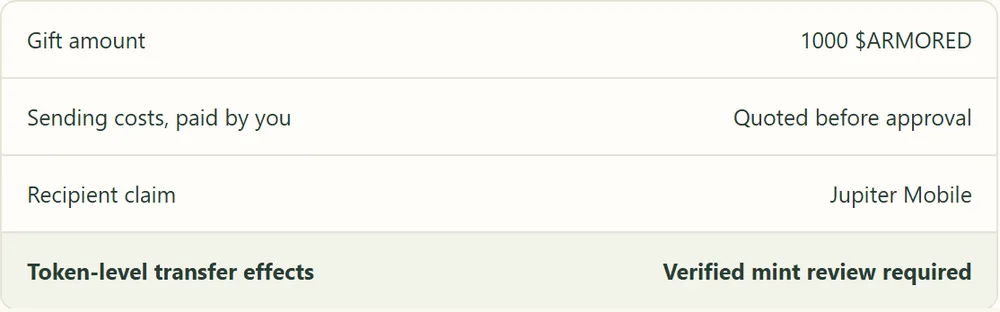
If you'd like to, and where enabled, you can attach an optional $ARMORED Solana token gift created with Jupiter Send. You approve it in your own wallet and pay the sending costs shown on screen, and your friend claims in Jupiter Mobile. Plain cards can be scheduled, but a future-dated token gift still needs your wallet approval close to delivery, since a schedule isn't an automatic payment.
Frequently asked questions
Do I need SOL to gift an SPL token?
Usually, yes. Network fees and any new token account deposit are normally paid in SOL, so keep a little in your wallet. Some wallets offer gasless options for certain transactions, so check your wallet's own documentation.
Why did gifting a token cost more than sending SOL?
The recipient probably didn't have a token account for that token yet. Your transaction created one, which needs a refundable storage deposit on top of the base network fee.
Can the recipient get the rent deposit back?
Solana describes the minimum balance as refundable when an account is closed. The account's owner, your friend, decides that, usually only after the token balance is empty, and some wallets offer a tool for it.
What if I send to the wrong address?
Solana transfers generally cannot be reversed. Double-check the address and start with a small amount if unsure.
Is it safe to gift a Token-2022 token?
It can be, but check its extensions first. Features like transfer fees or a permanent delegate change what the recipient actually controls.
How do I gift Solana tokens to someone without a wallet?
Use a claim-link gift, such as one created with Jupiter Send, and share the link privately. They can install a wallet app and claim when they're ready, before the gift expires.
Before you press send
Three ideas cover most of it: the mint address is the token's real identity, a new token account may need a small refundable deposit, and the sender pays the costs. Add a few warm words and your friend will remember the gift for more than its balance.
Plain-language disclaimer: this guide is general information, not financial or tax advice. Tokens can lose value or have little liquidity, and blockchain transfers usually can't be undone. Give only what you're comfortable giving, and never share your seed phrase. Armored Kitten never asks for it.
Armored Kitten is an independent greeting studio and is not affiliated with or endorsed by Jupiter. Token gifts are optional, can change in value, and are not investment advice. Check the rules that apply where you live.