A personalized ecard with voice message lets someone hear you as well as read you: your laugh, your accent, the way you say their name. Pair a short voice note with a photo and a few honest written lines, and a digital card starts to feel like a keepsake. Keep the recording short, warm and a little unpolished.
This guide covers why voice and photos make digital cards feel personal, how to record a good 20-second note, ideas for different occasions, and a few privacy and accessibility habits to know before you send.
Why a personalized ecard with voice message feels different
Text is good at saying exactly what you mean. A voice adds what text leaves out: your warmth, your pauses, the smile you can hear. A typed "happy birthday" is kind. The same words in your voice, with the nickname only you use, feel like a visit.
Voice matters most when you can't be there. A grandparent hearing a grandchild say "I love you". A partner playing a goodnight message from another time zone. A friend in hospital hearing someone familiar. These are small moments, and people hold on to them.
An ecard with voice recording also takes the pressure off writing. If you're not a confident writer, keep the written message simple and let your voice carry the feeling.
Why a digital card with photo helps too
A photo does for memory what a voice does for presence. A picture from a holiday, a first date, a silly afternoon or a family dinner takes the person straight back to a shared moment. It also gives your words a setting. "Remember this day?" next to the right photo says more than a paragraph.
When you choose one:
- Pick a shared moment. A photo of the two of you, or of something you both remember, beats a generic scenic shot.
- Choose a clear, bright image. Faces should be easy to see on a phone screen.
- Check the background. Make sure nothing private is visible, such as a house number, a document or a screen.
- Ask first if others are in it. Not everyone wants their face sent around, even privately.
How to record a great 20-second voice note
Twenty seconds is shorter than it sounds, and that's why it works: it keeps you on one feeling. Here's how to get a recording you'll be happy with.
Recording your voice note
- Write a tiny script.
Two or three short sentences are plenty. Open with their name, say the one thing that matters, and close warmly. You don't have to read it word for word, but it stops you rambling.
- Find a quiet room.
Turn off the television, close the window and step away from the washing machine. Curtains and cushions help cut echo.
- Hold your phone close.
Keep it about a hand's width from your mouth, slightly to the side so your breath doesn't hit the microphone.
- Smile while you speak.
A smile changes your tone, and people can hear it.
- Speak a little slower than normal.
Nerves make us rush. A calm pace is easier to follow and sounds more sincere.
- Say their name.
Hearing their own name in your voice is often the part people remember most.
- One take is fine.
A laugh, a stumble or a "hang on, let me start again" is part of the charm. You're sending a voice, not a radio advert. Listen back once, and only re-record if you can't be heard clearly.
Voice note ideas by occasion
Not sure what to say in your 20 seconds? These are short enough to fit and easy to adapt.
Birthday
Birthdays are the classic moment for a voice message card. Sing, laugh or keep it simple. For more wording, see our birthday card collection.
- Sing the first line of "Happy Birthday" (badly is fine), then say one thing you love about them.
- "Happy birthday! I wanted you to hear this one, not just read it. Hope today's a good one."
- Record a group of friends or family shouting "happy birthday" together.
- Share a memory: "Happy birthday. I still think about the day we got lost on that coast walk. Best wrong turn ever."
Long-distance love
For couples apart, a voice can close the distance for a moment. Pair the note with a photo from your last visit.
- A goodnight message they can play before bed.
- "I miss you. That's it, that's the message. Counting the days."
- Describe what you're looking at right now, so they feel like they're there.
- Count down to your next visit in your own words.
Grandparents
A familiar voice can mean the world to a grandparent. Keep it clear and unhurried.
- A grandchild saying "Hello Grandma, I love you" and one thing they did this week.
- A short song or nursery rhyme from a little one.
- An update from a grown-up grandchild: "Just wanted you to hear my voice. I'm thinking of you."
Get-well
When someone is unwell, a familiar voice can be a quiet comfort. Keep it calm and light, with no pressure to reply. Our get-well cards are designed for exactly this.
- "No need to call back. I just wanted you to hear a friendly voice. Rest up."
- Share a small, cheerful bit of news from home.
- Read them a short line from a favourite book.
Thank-you
A spoken thank-you feels less formal than a written one, and often warmer.
- Thank a teacher or mentor for one specific thing they did.
- Have your child thank a relative for a gift, in their own words.
- Thank a friend for being there during a hard month: "I don't say it enough. Thank you."
Privacy tips for voice and photo cards
Personal cards hold personal things, so a few habits are worth keeping.
- Think about photo metadata. Photos taken on a phone can carry hidden details, such as when and sometimes where they were taken. Armored Kitten resizes your photo on your device and does not upload the original metadata, but it's still worth checking the image itself for anything private in the frame.
- Listen to your background. A voice note can pick up other conversations, a television or someone else's name. Record somewhere quiet and private.
- Ask before recording others. If a friend, child or relative is in the voice note or photo, make sure they're happy to be included.
Accessibility: make sure everyone can enjoy it
A good card works for everyone, including people who can't listen to audio right now, or at all.
- Let the written message carry the meaning. The voice note is a bonus, not the only place the important words live. If the note says "I'm proud of you", say it in writing too.
- Mention the voice note in the text. A line such as "There's a little voice note in here for you" tells people to look for it.
- Remember that playback never autoplays. The recipient chooses when to listen, which is kinder for someone at work, on a train or in a quiet hospital ward.
- Speak clearly and at a steady pace. It helps listeners with hearing loss and people listening in a second language.
- Describe the photo in words if it matters. "This is us at the lake last summer" helps anyone who can't see the image clearly.
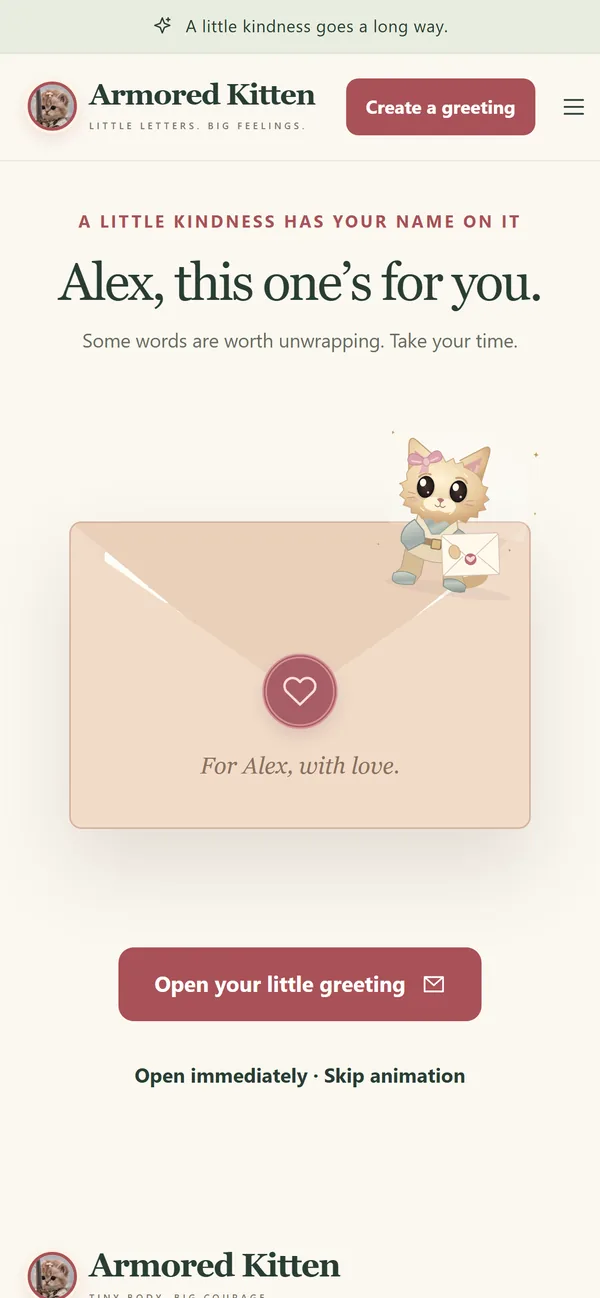
How to make your card with Armored Kitten
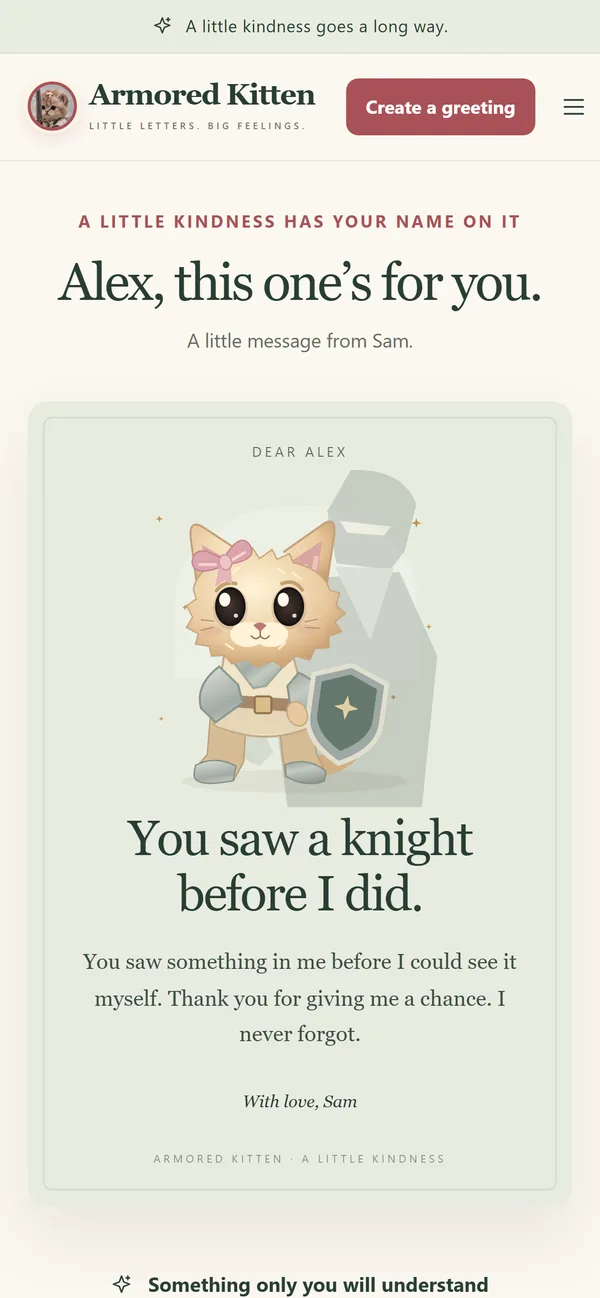
Armored Kitten is a personalized digital greeting-card studio built around these small, personal touches. There are 16 occasions and 48 starting designs across Storybook, Moonlight and Postcard styles, with 6 palettes to choose from. Every word is editable, so the card says what you want it to say.
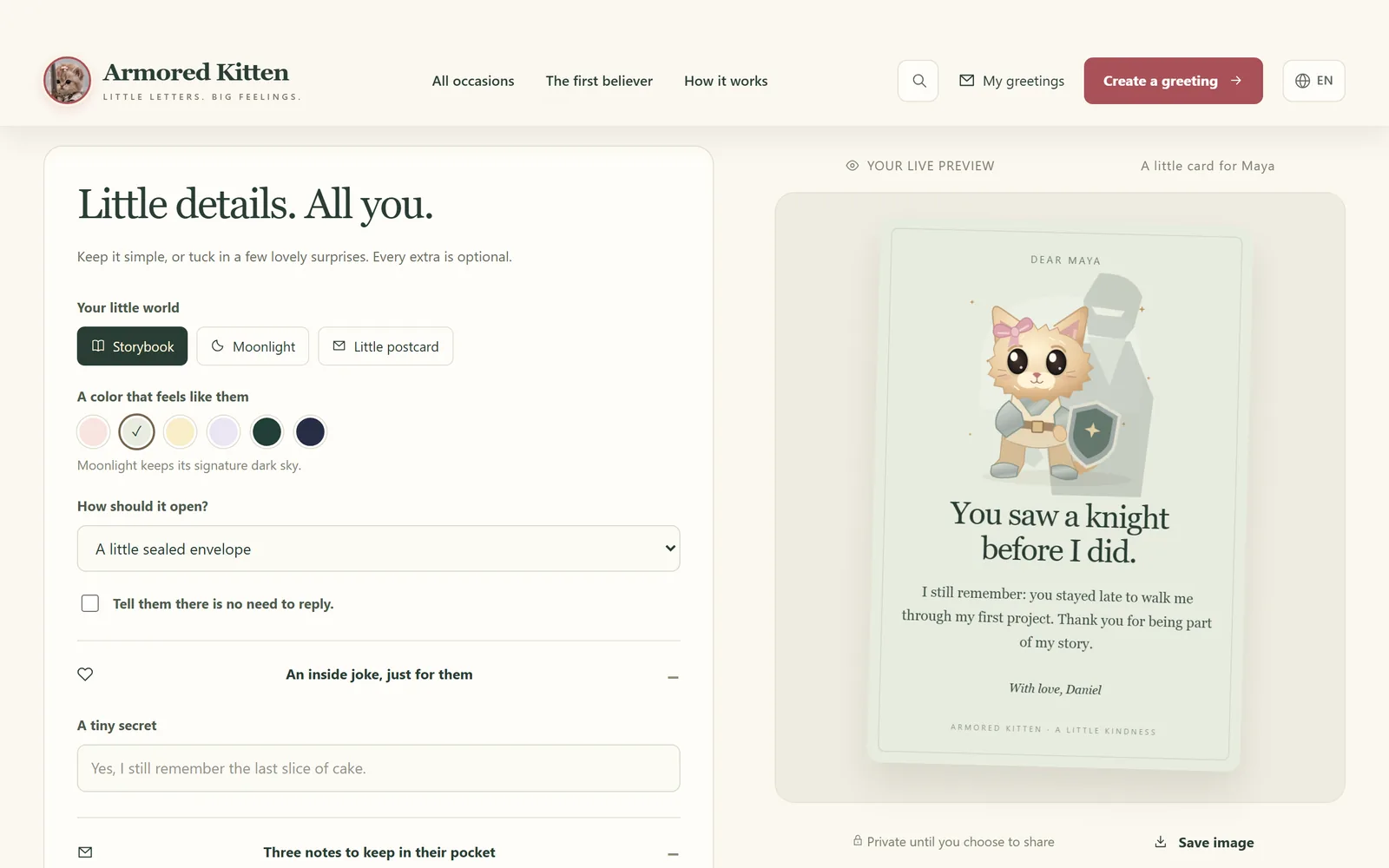
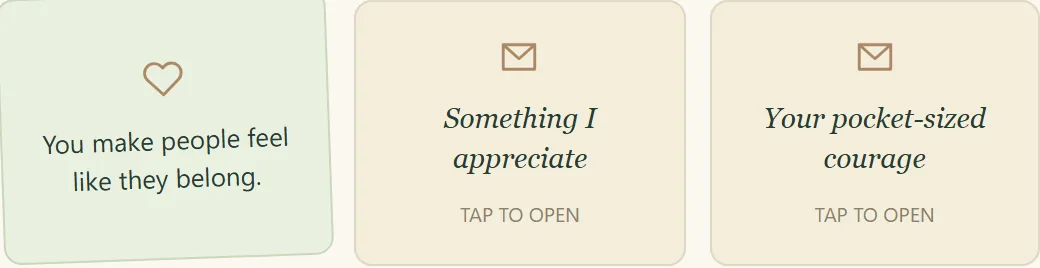
You can add an optional photo and a voice note of up to 20 seconds, plus an inside joke and three tap-to-open pocket notes for the little extras. Recording starts only after you tap and allow microphone access. If you don't want the person to feel they have to answer, switch on the "no need to reply" option. Send the card by email or as a private link. The recipient can save a card image or a greeting file to keep, and send you a short reply if they'd like to.
Frequently asked questions
How long can the voice message be?
Up to 20 seconds. That's enough for a greeting, one heartfelt line and a warm sign-off.
Does the voice message play automatically?
No. Playback never autoplays. The recipient taps to listen whenever they're ready, and the written message still makes sense on its own.
Can I add both a photo and a voice note to one card?
Yes. Both are optional, and you can use one, both or neither. Many cards feel complete with just a photo and a few honest lines.
Is an online greeting card with audio private?
A card sent by private link can be opened by anyone who has that link, so share it only with the person it's for and never post it publicly. Photos are resized on your device without uploading their original metadata.
Can the recipient keep the card?
Yes. They can save a card image or a self-contained greeting file, so the card stays with them after the moment has passed.
Do I need a crypto wallet to send a card?
No. No wallet is needed to make, send or open a card. A wallet only comes in if you choose to attach the optional $ARMORED token gift, where it is enabled. The card means just as much without it, and tokens can change in value.
Let them hear you
The most personal part of any card is you. A short voice note, a photo you both remember and a few sincere words can travel a long way. If you need to say sorry rather than hello, our guide on how to write a sincere apology message can help with the words. Otherwise, press record, smile and send a love note card to someone who would love to hear your voice today.